Browser Based Tap and Hold Tool
A tap and hold tool that runs entirely in your browser tab — no app to download, no software to install, works the same on Windows, Mac, or Chromebook.
Free · No login required
Skip ahead and start now, or read the full guide below.
Downloading a piece of software for a single image edit is a lot of commitment for something you might use once. There is the install itself, the permissions it asks for, and the fact that it sits on your device afterward whether you use it again or not. A browser-based tool sidesteps all of that by simply being a web page you open and close.
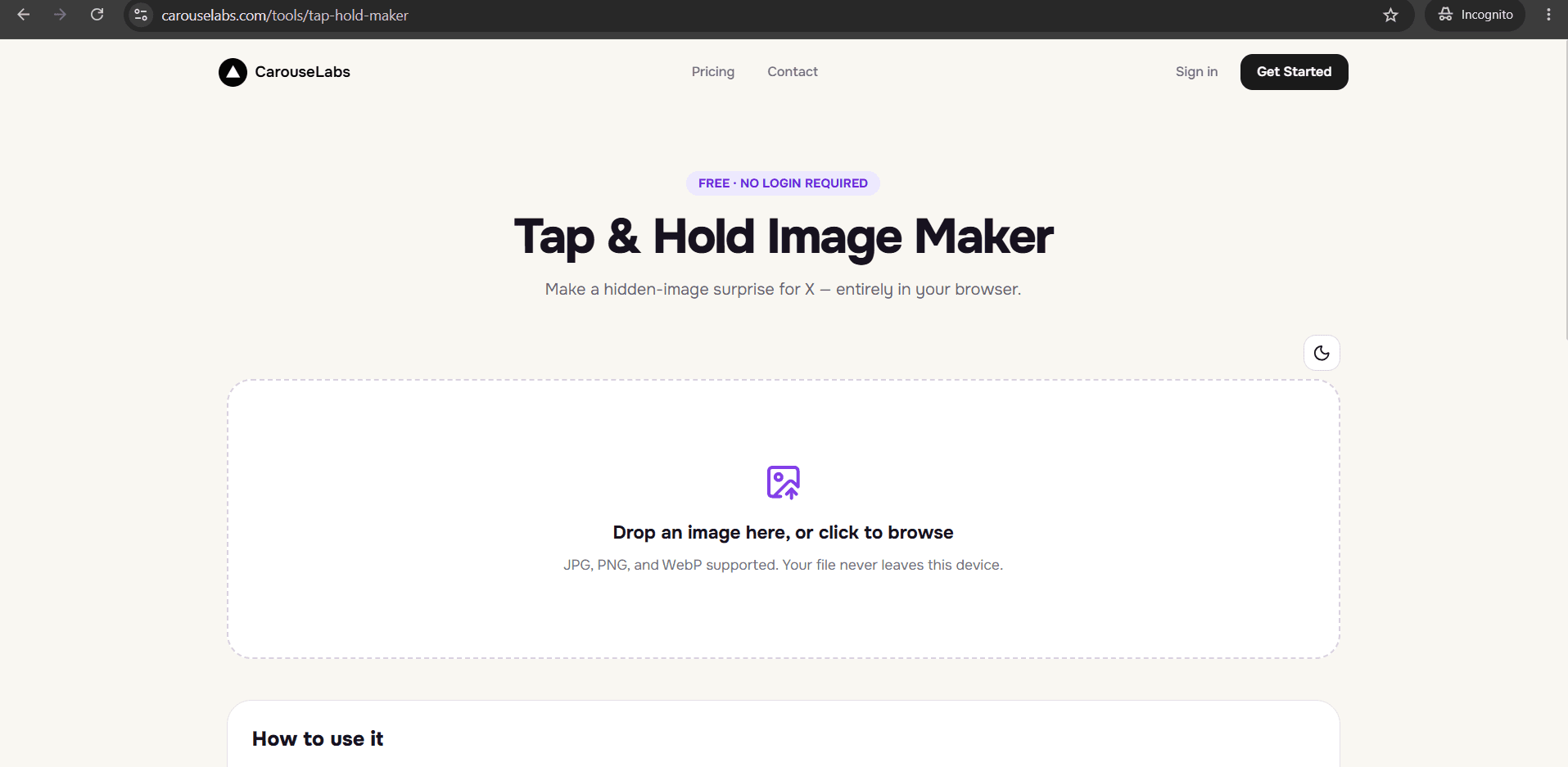
The CarouseLabs Tap & Hold Image Maker is exactly that: a tool that runs entirely inside your browser tab at /tools/tap-hold-maker. There is no installer, no app icon, and no leftover files on your device once you are done — just open the tab, do the work, and close it.
What “Browser Based Tap and Hold Tool” Means
'Browser based' means every part of the tool — the upload area, the brush, both live previews, and the download step — runs using your browser's own capabilities, with no separate program or plugin involved. Your image is processed locally on your device inside that browser tab, not sent off to run through installed software.
This also makes the tool inherently cross-platform. Because it depends only on having a modern web browser, it behaves the same whether you are on Windows, macOS, a Chromebook, or a locked-down work laptop that will not let you install new software — there is nothing to install in the first place.
Why People Use This Effect
Tap and hold images are often made quickly, in response to something timely, and posted the same day. A tool that requires an install first adds a step between having the idea and finishing the post, and that gap is exactly where spontaneity gets lost.
Being browser based also means the same workflow travels with you across whatever device is in front of you. Switching from a home computer to a work laptop to a phone does not mean re-installing anything or finding a version compatible with a different operating system — the tool is the same web page everywhere.
How to Create This with CarouseLabs
Here is how to make a tap and hold image using the CarouseLabs tool entirely inside your browser, with nothing to install first.
- 1
Open the tool in your browser — no install prompt
Go to /tools/tap-hold-maker in Chrome, Safari, Firefox, or Edge. The page loads directly with no download or install step in the way.
30 sec - 2
Upload your image from within the browser
Drag your JPG, PNG, or WebP file into the upload area, or use the file picker. The file is processed locally by your browser, not sent to a separate installed program.
15 sec - 3
Use the brush tool right there in the tab
Adjust the brush size and paint over the areas that should stay visible in X's timeline. Undo and Clear are available in the same interface if you want to redo a stroke.
1-2 min - 4
Check both live previews without leaving the page
Timeline View and Tap & Hold View render inside the same browser tab and update instantly as you paint, so there is no separate app window to switch between.
30 sec - 5
Download the file to your device
Click Download for X to save an optimized PNG-8 through your browser's normal download flow, or choose WebP for other platforms. The file lands wherever your browser saves downloads.
10 sec - 6
Post it on X from a desktop browser
Upload the downloaded file to a new post from desktop web rather than the X mobile app, since the app's compression can undo the effect. Followers can then tap and hold it themselves.
20 sec
Try it as you read
Open the maker in another tab and follow along with the steps above.
Tips for Better Results
Bookmark it instead of looking for an app icon
There is no installed shortcut to find later — save /tools/tap-hold-maker as a browser bookmark for the fastest way back in.
It works the same across operating systems
Whether you use it on Windows, macOS, or a Chromebook, the tool behaves identically since it only depends on the browser, not the underlying operating system.
Download before closing the tab
Because your work exists in the current browser session, always export your finished file before you close the tab or navigate away.
Nothing is left behind on your device
There is no lingering software, cache folder, or installed component to clean up afterward — closing the tab is the only cleanup needed.
Keep your browser up to date for the smoothest experience
Since the tool relies on your browser's own rendering, an outdated browser version is the most common reason the brush tool or previews might feel sluggish.
Examples
Made on a school Chromebook
A student without permission to install software can still make a tap and hold image, since the tool only needs a browser.
Made on a locked-down work laptop
An employee restricted from installing new applications can use the tool through the browser they already have.
Made on a public library computer
A shared computer with no ability to install personal software still runs the tool the same way it does anywhere else.
Common Mistakes
Looking for a downloadable installer
Fix: There isn't one — the tool is the web page itself. Just open /tools/tap-hold-maker directly in your browser.
Opening the link inside another app's built-in browser
Fix: Some social apps open links in a restricted in-app browser that can limit downloads. If the download button does not work, open the page in your device's actual browser instead.
Closing the tab before downloading your work
Fix: Your edits are not saved anywhere outside the current browser session. Always click Download before closing the tab.
Assuming a locked-down work or school device cannot run it
Fix: Because nothing needs to be installed, the tool typically works fine even on devices where installing new software is restricted, as long as a standard browser is available.
Frequently Asked Questions
Being browser based means the CarouseLabs Tap & Hold Image Maker fits into whatever device you already have open, without asking you to install anything first or worry about which operating system you are on.
Open /tools/tap-hold-maker in your browser and make your first tap and hold image without downloading a single file until you are ready to export it.
Make your browser based tap and hold tool right now
Everything above happens inside one free browser tool — no signup, no design software.
Create your Tap & Hold image nowFree forever · Works entirely in your browser