Free Tap and Hold Image Maker
Make as many tap and hold images as you want without paying for a subscription, unlocking a paywall, or handing over your email address.
Free · No login required
Skip ahead and start now, or read the full guide below.
A lot of creative tools online use the word 'free' loosely. You get far enough to make something, and then the actual export is behind a paywall, or it comes stamped with a watermark, or you are capped at a handful of downloads before being asked to upgrade. If you searched for a free tap and hold image maker because you have run into that pattern before, it is a reasonable thing to be cautious about.
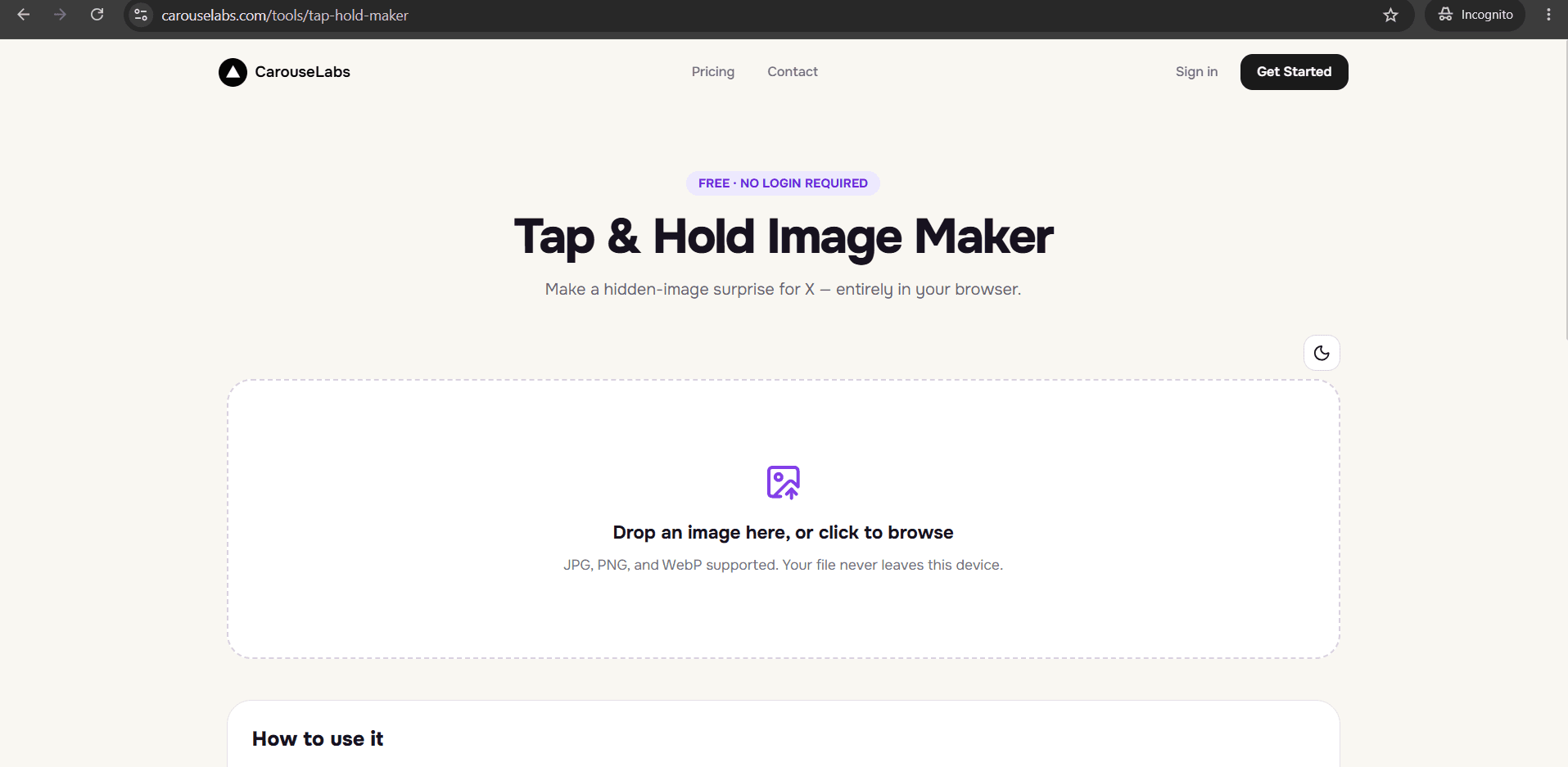
The CarouseLabs Tap & Hold Image Maker does not work that way. Every part of the process — uploading your image, painting the visible areas, checking both preview panels, and downloading the finished file — is free, with no watermark added and no cap on how many images you make. This page explains exactly what 'free' means here and walks through making one from start to finish.
What “Free Tap and Hold Image Maker” Means
A tap and hold image is a single image file built to show two different things depending on how it is viewed. In X's compressed, scrolling timeline, only the parts you painted as visible show up clearly. When a viewer presses and holds the image on mobile, X briefly renders the full file at higher quality, revealing whatever was left unpainted. It is a real difference in how the platform renders the same file under two conditions, not a filter or animation added on top.
When this page says 'free,' it means the entire tool is free: there is no premium tier that unlocks a cleaner export, no watermark added to downloads, no limit on how many images you can create in a session or across sessions, and no card or account required to reach the download button. The brush tool, the Undo and Clear controls, both live previews, and the X-optimized PNG-8 download are all available the moment you open the page.
Why People Use This Effect
Tap and hold images spread because the reveal itself is the hook — a viewer has to physically interact with the post to see what is underneath, and that small effort makes the payoff feel earned rather than handed to them. That is a stronger driver of replies and shares than a static image people just scroll past.
A free, unrestricted way to make them matters because the format rewards volume and experimentation. Creators who post often, or who want to try a few different reveals before landing on one that works, are not well served by a tool that charges per export or limits them after a few tries. Being able to redo a brush stroke, re-download, and test again at no cost is what makes it practical to actually get good at this format.
How to Create This with CarouseLabs
Here is the full process for making a tap and hold image with the free CarouseLabs Tap & Hold Image Maker — every step below costs nothing and has no download limit.
- 1
Open the free Tap & Hold Image Maker
Go to /tools/tap-hold-maker in any browser. There is no pricing page to click through and no free-trial banner — the full tool loads immediately and stays free every time you come back.
30 sec - 2
Upload your image at no cost
Drag your JPG, PNG, or WebP file into the upload area, or click to browse. Uploading, and every edit after it, is processed locally in your browser and does not count against any quota.
15 sec - 3
Paint the visible areas with the brush tool
Use the adjustable brush to paint over the parts of the image that should stay visible in X's timeline. Undo and Clear are both free to use as many times as you need while you find the right balance.
1-2 min - 4
Check both live previews before you commit
Timeline View and Tap & Hold View update instantly as you paint, at no cost, so you can compare what a scrolling viewer sees against the full reveal before deciding you are done.
30 sec - 5
Download the finished file for free
Click Download for X to get an optimized PNG-8 tuned for X's compression, with no watermark added. A WebP option is also available free of charge if you are sharing the image elsewhere.
10 sec - 6
Post it on X from a desktop browser
Upload the downloaded file to a new post from desktop web rather than the X mobile app, since the app's extra compression can flatten the effect. Followers can then tap and hold it in their timeline to reveal the hidden part.
20 sec
Try it as you read
Open the maker in another tab and follow along with the steps above.
Tips for Better Results
There is no limit on how many images you can make
You can upload a new image, paint it, and download it as many times as you want in one sitting. There is no daily cap or credit system to work around.
Downloads never include a watermark
The PNG-8 and WebP exports are the final files as-is — nothing is added to them that you would need to pay to remove.
Re-editing an image is also free
If a reveal does not land the way you wanted after posting, come back, adjust your brush strokes, and download again at no additional cost.
Use the free downloads to test before you commit to one
Because exporting costs nothing, it is worth downloading two or three variations with different visible areas and comparing them in the Timeline View before choosing which one to post.
Bookmark the tool instead of searching for it each time
Since there is no account to log into, saving a direct link to /tools/tap-hold-maker is the fastest way back in for your next post.
Examples
Meme account testing a new format
A meme page can try several free exports with different visible crops before landing on the version that gets the best reaction.
Small creator without a design budget
Someone building an audience without paid tools can produce polished tap and hold posts without factoring a subscription into their content costs.
Fan account reveal post
A fan account can hide a full piece of art or a photo behind a teaser crop, free to redo as many times as needed to get the framing right.
One-off personal post
Someone making a single tap and hold image for a birthday message or announcement does not need to weigh whether it is worth paying for a one-time use.
Common Mistakes
Assuming the free version is a limited trial
Fix: There is no separate paid tier to compare it against and no trial period that runs out. The tool you use on your first visit is the same one available every time after.
Expecting a watermark on the download and trying to remove it
Fix: CarouseLabs does not add a watermark to any export, so there is nothing to strip out. If a downloaded file looks wrong, re-check your brush strokes rather than looking for a paid option.
Rationing downloads out of habit
Fix: Because some free tools elsewhere cap exports, it is easy to under-use this one out of caution. There is no cap here — download as many versions as you need to get the reveal right.
Posting through the X mobile app to save time
Fix: Even though the maker itself is free and fast, the X mobile app's compression can undo the effect on posting. Always publish the downloaded file from a desktop browser.
Frequently Asked Questions
Free, in this case, means the whole tool: uploading, brushing, previewing, and downloading, with no watermark and no cap on how many times you use it. That makes it practical to actually experiment with the format instead of treating every export as something to ration.
Open the free Tap & Hold Image Maker, upload a photo, and download your first tap and hold image — it costs nothing to try.
Make your free tap and hold image maker right now
Everything above happens inside one free browser tool — no signup, no design software.
Create your Tap & Hold image nowFree forever · Works entirely in your browser