No Login Tap and Hold Maker
Make a tap and hold image without creating an account, verifying an email, or handing over any personal information.
Free · No login required
Skip ahead and start now, or read the full guide below.
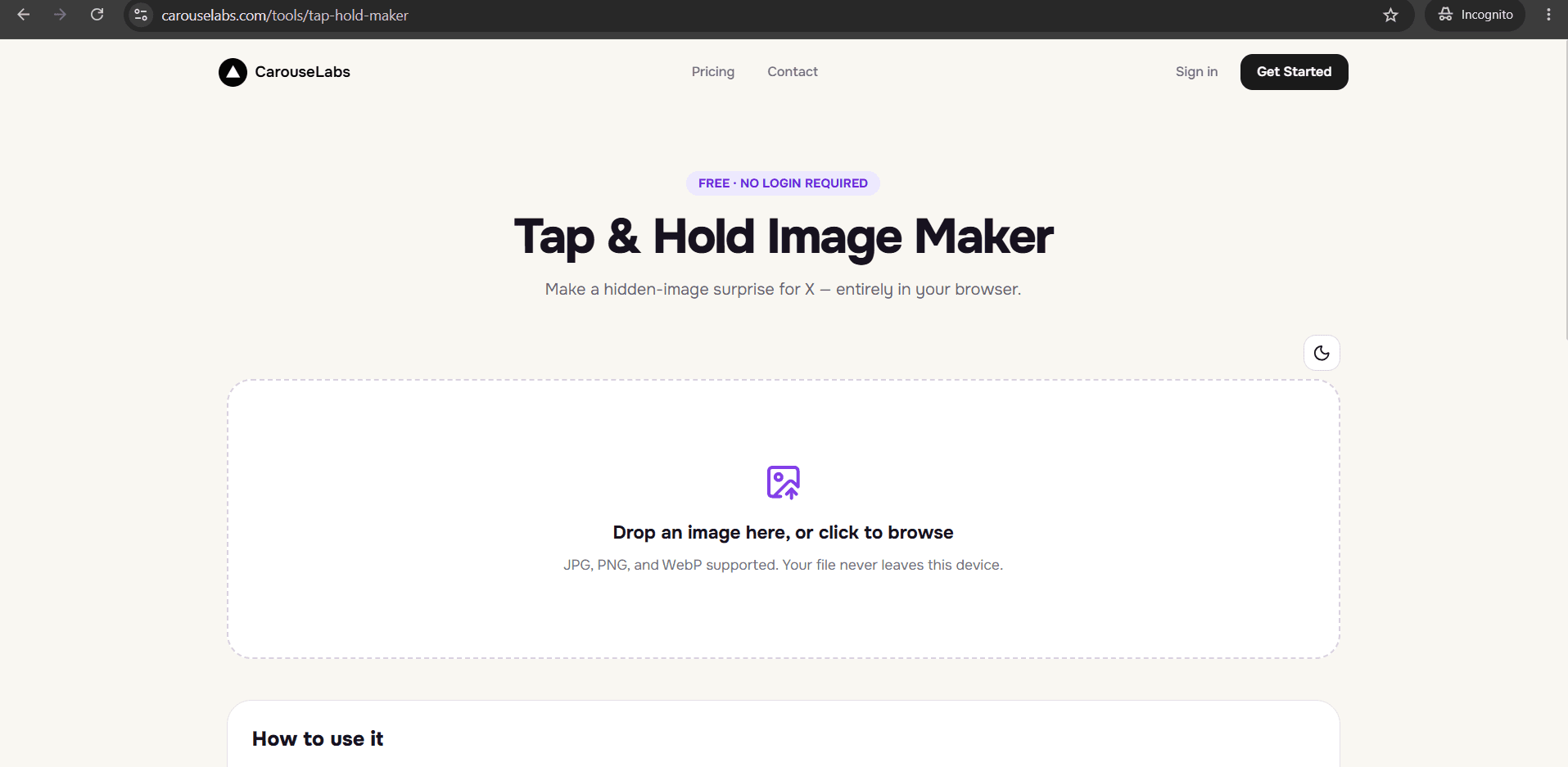
Creating an account just to try a tool once is a common source of friction — an email to verify, a password to invent, a form asking for information that has nothing to do with what you actually want to make. If that is the barrier you were hoping to avoid, the CarouseLabs Tap & Hold Image Maker does not have a login screen at all.
There is no sign-up flow to get through before you reach the tool. You go directly from opening the page to uploading an image, and nothing about your identity is required at any point in the process.
What “No Login Tap and Hold Maker” Means
A tap and hold image is a single file that shows a limited, lightly visible version in X's compressed timeline and the full version when a viewer presses and holds it on mobile. Making one requires painting which parts stay visible with the brush tool — a purely creative step that has nothing to do with accounts or identity.
'No login' means exactly that: there is no account creation, no email verification, and no password anywhere in the workflow. Your image is processed locally in your browser as you edit it, and the only thing tied to your identity is whatever you choose to do with the file after you download it.
Why People Use This Effect
A lot of tap and hold posts are reactive — tied to something happening right now, a joke, a moment worth capturing quickly. Signup friction works against that kind of spontaneity: by the time you have created an account and confirmed an email, the moment the post was reacting to has often passed.
Removing the login step also lowers the bar for people who just want to see how the effect works before deciding whether to use it seriously. Nobody has to commit an email address to a tool just to find out if a trend is worth trying, which is part of why zero-friction tools tend to get used more often, not just once.
How to Create This with CarouseLabs
Here is the full process for making a tap and hold image with CarouseLabs, without ever creating an account or logging in.
- 1
Go straight to the tool — no signup screen first
Open /tools/tap-hold-maker and you land directly on the upload area. There is no account gate to get past before you can start.
30 sec - 2
Upload your image with no identity required
Drag your JPG, PNG, or WebP file into the upload area, or select it with the file picker. It is processed locally in your browser, not tied to any account.
15 sec - 3
Paint the visible areas with the brush tool
Adjust the brush size and paint over the parts you want visible in X's timeline. Everything left unpainted stays hidden until tap and hold. Use Undo or Clear freely.
1-2 min - 4
Preview both views before downloading
Timeline View and Tap & Hold View update live as you paint, letting you check the result without any step that requires saving progress to an account.
30 sec - 5
Download the finished file directly to your device
Click Download for X to save an optimized PNG-8, or choose WebP for other platforms. The file saves straight to your device — there is no cloud storage tied to a login.
10 sec - 6
Post it on X yourself
Upload the downloaded file to a new post from a desktop browser rather than the X mobile app. Your X account is separate from the maker — CarouseLabs never touches your X login.
20 sec
Try it as you read
Open the maker in another tab and follow along with the steps above.
Tips for Better Results
Download before you close the tab
Since there is no account to save progress to, your edits exist only in the current browser session. Export the file before navigating away.
It is safe to use on a shared or public computer
Because nothing is tied to an account and no image data persists after you leave, the tool works fine on a public library or shared computer without leaving anything behind.
No email means no login recovery to worry about
There is no password to forget and no account to lock yourself out of, since none of that exists in the first place.
Your image editing stays local to your browser
Uploading and painting are processed on your device, not on a server tied to an account, so what you are working on before you download stays private to you.
Bookmark the direct URL for faster repeat use
Since there is no dashboard to log into, saving /tools/tap-hold-maker as a bookmark is the fastest way to get back to the tool.
Examples
Fast reaction post
Someone reacting to a live event can go from photo to posted tap and hold image without a signup step slowing them down.
Privacy-conscious creator
A creator who prefers not to hand out an email address for a one-off creative tool can use the maker without any account footprint.
First-time tester
Someone curious about the trend can try the tool once with zero commitment before deciding whether to use it regularly.
Common Mistakes
Looking for a sign-up button that does not exist
Fix: There is nothing to create — go straight to the upload area on the tool page and start working with your image immediately.
Expecting the tool to save your work automatically
Fix: Because there is no account, nothing is saved server-side. Download your finished file before closing the tab or moving to a different device.
Worrying your image gets uploaded to a server tied to your identity
Fix: It does not — editing happens locally in your browser. The only file that leaves your device is the one you choose to download and post yourself.
Posting through the X mobile app
Fix: Even without any login friction in the maker itself, the X mobile app's compression can still undo the effect after you post. Publish from desktop web instead.
Frequently Asked Questions
Skipping the login step means the CarouseLabs Tap & Hold Image Maker gets out of the way of the actual work — uploading a photo, painting the visible areas, and downloading a finished file — without asking for anything about who you are.
Open /tools/tap-hold-maker directly and make a tap and hold image right now, with no account required at any step.
Make your no login tap and hold maker right now
Everything above happens inside one free browser tool — no signup, no design software.
Create your Tap & Hold image nowFree forever · Works entirely in your browser