Free X Image Maker
A free image maker built specifically around how X compresses and renders images, so your tap and hold posts actually work.
Free · No login required
Skip ahead and start now, or read the full guide below.
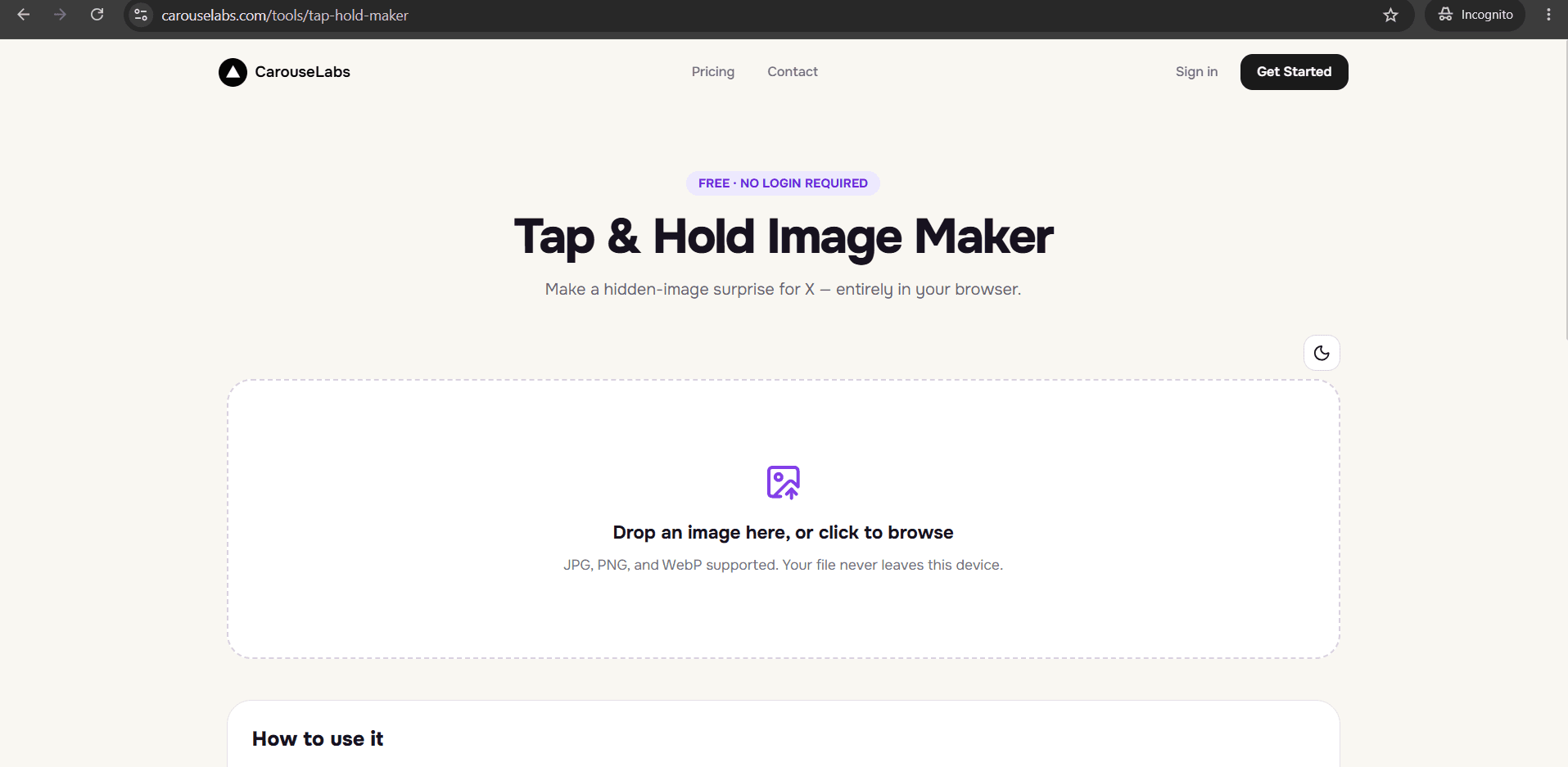
X compresses images differently in the scrolling timeline than it does when a viewer presses and holds one, and a general-purpose image editor has no reason to know or account for that. A file that looks correct when you export it can still fail once X's own compression touches it, which is why an X-specific image maker matters for this particular effect.
The CarouseLabs Tap & Hold Image Maker is built around exactly that behavior. It is free, requires no login, and its export step is tuned specifically for how X renders images — so the file you download is built to survive the platform it is going to, not a generic image export that happens to sometimes work.
What “Free X Image Maker” Means
X renders the same uploaded image two different ways depending on context: in the compressed, scrolling timeline it applies heavier compression for speed, while a tap-and-hold preview briefly renders the image at higher quality. A tap and hold image is built to exploit that real, predictable gap — visible content in the low-quality timeline view, hidden content that only becomes legible in the higher-quality tap-and-hold render.
Being free specifically for X means every part of the tool that matters for this platform is included at no cost: the brush tool for painting the visible region, Timeline View and Tap & Hold View as previews that approximate X's own rendering behavior, and the Download for X export, which produces an optimized PNG-8 — the file type tuned to hold up under X's compression rather than a generic export format.
Why People Use This Effect
This is a platform-specific trend — it depends on a quirk of how X specifically renders images, so it spreads through X's own culture of memes, reveals, and reaction posts rather than being a general internet format. Getting it right on X matters more than getting it right in the abstract.
X's algorithm also rewards the kind of engagement a tap and hold post generates: the tap-and-hold action itself, plus the replies and quote-posts that follow when someone reveals it. A free, X-tuned maker removes the technical guesswork between having the idea and posting something that actually triggers that engagement loop.
How to Create This with CarouseLabs
Here is how to make an X-ready tap and hold image with the free CarouseLabs X Image Maker, built around how X specifically renders images.
- 1
Open the free X Image Maker
Go to /tools/tap-hold-maker. It is free, requires no login, and is built specifically to produce files that behave correctly once posted on X.
30 sec - 2
Upload the image you want to post on X
Drag your JPG, PNG, or WebP file into the upload area, or select it with the file picker. It is processed locally in your browser while you edit it.
15 sec - 3
Paint the areas that should survive X's timeline compression
Use the brush tool to mark what should stay visible in X's compressed feed view. Everything left unpainted becomes hidden until a viewer taps and holds it on X.
1-2 min - 4
Preview how X will actually render it
Timeline View approximates X's compressed scrolling feed, and Tap & Hold View approximates the full reveal. Check both, since this is what determines whether the effect survives posting.
30 sec - 5
Choose Download for X specifically
Click Download for X to export a PNG-8 optimized for X's compression behavior. This is different from the WebP option, which is meant for sharing outside of X.
10 sec - 6
Post from desktop web, not the X mobile app
Upload the downloaded file to a new X post from a desktop browser. The X mobile app applies its own additional compression on upload, which can undo the effect entirely.
20 sec
Try it as you read
Open the maker in another tab and follow along with the steps above.
Tips for Better Results
Always use Download for X, not the WebP export, for X posts
The PNG-8 export is specifically tuned for how X compresses images in the timeline. WebP is meant for other platforms and is more likely to lose the effect on X.
Post from desktop X, never the mobile app
X's mobile app applies its own compression pass on upload, separate from the timeline compression the tool accounts for. Posting from desktop web avoids that extra step.
Keep the visible portion small since X's timeline compresses further on some devices
Timeline thumbnails can appear even more compressed on certain mobile connections, so a smaller visible area gives you more margin before the hidden part becomes noticeable early.
Test on your own account before a larger campaign
If you are planning a brand or campaign post, post a test version to your own account first and confirm the reveal works as expected before scheduling the real one.
Re-export if X changes how an old post displays
Platforms occasionally adjust their compression behavior. If an older tap and hold post stops working the way it used to, re-download a fresh export from the maker rather than reposting the old file.
Examples
Brand teaser on X
A brand account can hide a product reveal behind a small visible teaser, exported specifically for how X compresses the post.
Meme account reveal
A meme account posting regularly on X can rely on the X-tuned export to keep the effect consistent across many posts.
Giveaway or announcement post
An account running a giveaway on X can hide the announcement detail behind a tap and hold, using the export built to survive X's compression.
Common Mistakes
Using the WebP export for a post going on X
Fix: Always choose Download for X for anything you are posting to X. WebP is intended for other platforms and is not tuned for X's specific compression.
Posting through the X mobile app
Fix: This is the most common reason a correctly made file stops working after posting. Always publish from a desktop browser instead.
Assuming the same export works identically on other platforms
Fix: The Download for X file is optimized specifically around X's rendering behavior. If you are sharing the reveal outside of X, use the WebP export instead.
Not checking Timeline View, which approximates X's feed compression
Fix: This preview is your best indicator of how the post will actually look while scrolling on X. Always check it before downloading.
Frequently Asked Questions
Making a tap and hold image that actually works on X depends on accounting for how X specifically compresses and renders images, which is exactly what the free CarouseLabs X Image Maker and its Download for X export are built around.
Open the free X Image Maker at /tools/tap-hold-maker, upload a photo, and export a file built to survive X's compression on your very first try.
Make your free x image maker right now
Everything above happens inside one free browser tool — no signup, no design software.
Create your Tap & Hold image nowFree forever · Works entirely in your browser