Hidden Image Examples
A look at how hidden images are actually used across art, trivia, comics, and everyday posts — with a free tool to make your own.
Free · No login required
Skip ahead and start now, or read the full guide below.
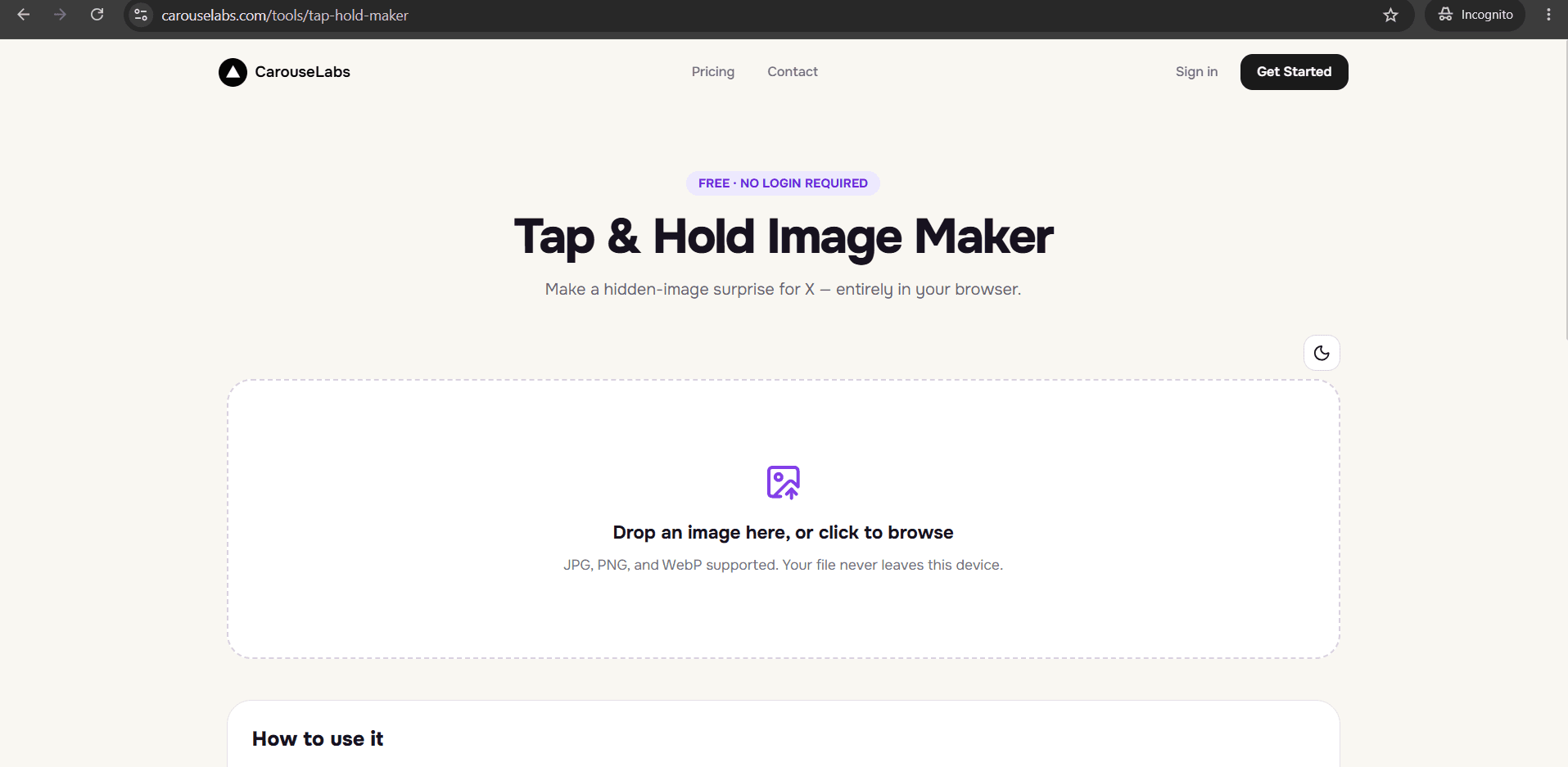
'Hidden image' is the broader name for the format most people know from X's tap and hold trend: a picture that deliberately shows less than it contains, until the viewer takes an action to see the rest. The examples on this page go beyond the typical meme use case to show how creators use hidden images across art, trivia, comics, and everyday storytelling.
Each example is something you can build yourself, without design software, using the free CarouseLabs Tap & Hold Image Maker. The tool handles the technical side of hiding and revealing; you only need to decide what to hide.
What “Hidden Image Examples” Means
A hidden image works by exploiting a real difference in how an image renders in two contexts — the compressed, low-detail view used in a scrolling feed, and the full-quality view triggered by a tap-and-hold gesture. What is 'hidden' is not encrypted or removed from the file; it is simply painted to stay indistinct until that second rendering context reveals it.
Because the hiding mechanism is just a matter of which pixels you paint as visible versus left alone, hidden images can be built around almost any concept — a plot twist, an answer to a trivia question, the next panel of a comic, or a piece of art that only makes sense once fully revealed.
Why People Use This Effect
Hidden images turn a passive scroll into an active decision. Instead of consuming content automatically, the viewer has to choose to reveal it, which creates a small sense of ownership over the moment of discovery — and that feeling is what gets shared or replied to.
The format is also popular with creators because it is reusable across genres. An artist can hide a full illustration behind a rough sketch, a trivia account can hide an answer behind a question, and a comic account can hide the next panel behind the current one — all using the exact same underlying technique.
How to Create This with CarouseLabs
Here is how to turn any of these hidden image concepts into a real, working file using the free CarouseLabs Tap & Hold Image Maker.
- 1
Open the free Tap & Hold Image Maker
Visit /tools/tap-hold-maker. No account or download is required, and it works directly in your browser.
30 sec - 2
Upload the image you want to hide
Drag and drop your file, or select it from your device. Editing happens locally, so the image stays on your device during this step.
15 sec - 3
Decide what stays visible and paint it
Use the brush to mark only the fragment that should show in the timeline — the question, the sketch, the setup. Adjust brush size as needed, and use Undo or Clear to fix mistakes.
1-2 min - 4
Check both preview panels
Timeline View shows what followers scroll past; Tap & Hold View shows the full reveal on a black background. Confirm the hidden portion delivers the payoff you intended.
30 sec - 5
Export the file
Use Download for X to get the optimized PNG-8 export, or the WebP option if the image is headed somewhere other than X.
10 sec - 6
Publish from a desktop browser
Post the file to X using desktop web, not the mobile app, so followers on mobile can reliably tap and hold to reveal the hidden portion.
20 sec
Try it as you read
Open the maker in another tab and follow along with the steps above.
Tips for Better Results
Match the hidden content to the visible teaser
The visible fragment should logically connect to what is hidden — a question connects to an answer, a sketch connects to a finished piece — so the reveal feels intentional rather than random.
Test different brush sizes for different effects
A tiny brush creates a barely-there teaser; a slightly larger one creates a clearer hint. Try both in the CarouseLabs preview panels before deciding which fits your idea.
Use simple, high-contrast source art
Illustrations and photos with a clear subject against a plain background hide and reveal more convincingly than cluttered compositions.
Build a short series
Because the technique is fast to repeat, hidden image accounts often post several related reveals across a week rather than a single one-off post.
Re-check Timeline View after any late edits
A stroke added late in the process can accidentally reveal more than intended — always glance at Timeline View one more time before your final download.
Examples
Sketch-to-finished-art reveal
A rough sketch stays visible while the fully rendered illustration is hidden underneath.
Trivia question-and-answer
A question is visible in the feed; the answer is hidden until a follower taps and holds.
Comic next-panel reveal
The current panel of a comic stays visible while the next panel is hidden as a hook for engagement.
Text message or DM screenshot reveal
A blurred first line stays visible while the rest of a screenshot conversation is hidden for storytelling posts.
Recipe result reveal
Raw ingredients stay visible in the teaser while the finished dish is hidden as the payoff.
Common Mistakes
Hiding content that does not reward the reveal
Fix: If the hidden portion is not more interesting than the visible teaser, viewers will not bother tapping again next time. Make sure what is hidden is genuinely worth revealing.
Making the visible teaser too vague
Fix: A teaser with zero context will get scrolled past. Leave just enough visible — a shape, a word, an eye — to spark curiosity without giving anything away.
Forgetting to preview Tap & Hold View
Fix: This is the only way to see the actual reveal before publishing. Always check it in the CarouseLabs Tap & Hold Image Maker before exporting.
Uploading via the X mobile app
Fix: The mobile app compresses images differently on upload. Post the downloaded file from a desktop browser to preserve the hidden effect.
Frequently Asked Questions
Hidden images work across far more categories than memes alone — art, trivia, comics, and storytelling all use the same underlying mechanic to reward a viewer's curiosity. Once you know what you want to hide and why it is worth revealing, building the file itself takes only minutes.
Try it with an image you already have in the free CarouseLabs Tap & Hold Image Maker and see your first hidden reveal appear in the live preview.
Make your hidden image examples right now
Everything above happens inside one free browser tool — no signup, no design software.
Create your Tap & Hold image nowFree forever · Works entirely in your browser