How to Make a Hidden Image on Twitter
A simple guide to making a hidden reveal image for Twitter — now called X — using the free CarouseLabs Tap & Hold Image Maker, no account or design software required.
Free · No login required
Skip ahead and start now, or read the full guide below.
Plenty of people still say Twitter out of habit, even though the platform has been called X for a while now. The name changed, but the app most people grew up posting on is the same one, and the compression quirk behind hidden images works exactly the same way regardless of which name you use for it.
This guide covers making a hidden image for that platform, using the free CarouseLabs Tap & Hold Image Maker. Whether you think of it as posting on Twitter or posting on X, the steps below are identical, and the finished file behaves the same either way.
What “How to Make Hidden Image on Twitter” Means
A hidden image is a single file that looks different depending on how it is rendered. In the scrolling timeline, the platform compresses images down for speed, showing only a faint or partial version. When a viewer presses and holds that image on mobile, a higher-quality render briefly appears instead, revealing whatever detail the compression had hidden.
Building one means painting the image so certain areas only become visible in that higher-quality render. The CarouseLabs brush tool handles that split for you, so you do not need to understand the platform's compression pipeline — you just need to know which parts of the image you want to stay hidden until someone taps and holds.
Why People Use This Effect
The hidden image trend has roots that go back to the Twitter era, and a lot of the accounts still using it today built their audience back when the platform had its old name. That legacy meme culture is part of why the trick keeps circulating — longtime users recognize the format instantly and know exactly what to do when they see one.
It also survived the rename because nothing about the underlying mechanic changed. The same compression behavior that made hidden images possible on Twitter still exists on X, so a technique that started years ago continues to work today without modification.
How to Create This with CarouseLabs
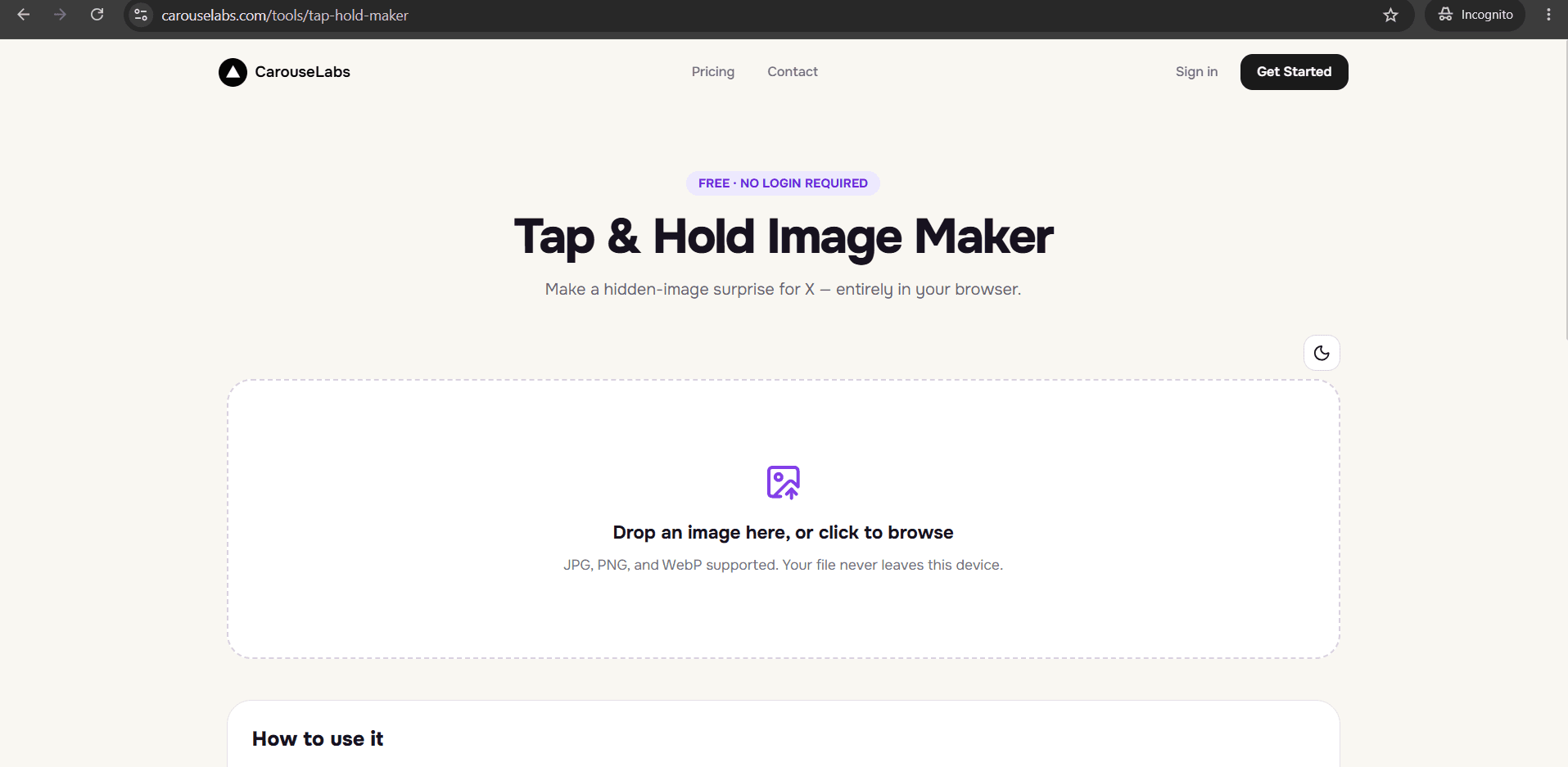
Here is how to make a hidden image for Twitter, now X, from start to finish, using only the free CarouseLabs Tap & Hold Image Maker.
- 1
Open the Tap & Hold Image Maker
Go to /tools/tap-hold-maker in your browser. No account tied to Twitter or X is needed to use the tool itself.
30 sec - 2
Upload your photo
Drag in a JPG, PNG, or WebP image or choose one from your files. It is processed locally in your browser and is not uploaded anywhere during editing.
15 sec - 3
Paint the visible portion with the brush
Mark what should stay visible in the compressed timeline view. Whatever is left unpainted is what gets revealed when someone taps and holds. Undo or Clear if you want to redo a stroke.
1-2 min - 4
Preview both views before exporting
Timeline View shows roughly what will appear while scrolling; Tap & Hold View shows the full reveal. Both update live as you adjust your brush strokes.
30 sec - 5
Download the file
Use Download for X to export the optimized PNG-8 built for the platform's current compression behavior — this applies whether you call it posting to Twitter or posting to X.
10 sec - 6
Post it from a desktop browser
Upload the file from desktop web rather than the mobile app, which recompresses images differently on upload. Followers on mobile can then tap and hold to reveal it.
20 sec
Try it as you read
Open the maker in another tab and follow along with the steps above.
Tips for Better Results
Use whichever name feels natural in your caption
Followers understand references to both Twitter and X, so there is no functional reason to change how you talk about the platform in your post text.
Post from desktop web regardless of app name
The app icon and name have changed, but the mobile app's extra compression on upload has not — always upload the exported file from a desktop browser tab.
Keep the visible area small
Roughly a third of the frame or less tends to produce the most noticeable reveal, whether you are posting on legacy Twitter-era accounts or newer X ones.
Check both preview panels before downloading
It is easy to paint a stroke that looks right in Tap & Hold View but leaks too much detail into Timeline View. Glance at both after each change.
Re-export after any brush adjustment
If you tweak your strokes after already downloading once, download again — the earlier file will not include your changes.
Examples
Classic meme reveal
A visible setup image paired with a hidden punchline, the same format that popularized the trend on Twitter.
Throwback photo reveal
Show a cropped or faded thumbnail visible while hiding the full nostalgic photo underneath.
Fan art teaser
Reveal a small detail of an illustration in the timeline while hiding the complete piece.
Community inside joke
Hide a reference image that only makes sense once revealed, playing on a running joke within a following.
Common Mistakes
Assuming the rename changed how the effect works
Fix: It did not. The compression behavior behind hidden images is unchanged, so every step in this guide applies exactly the same on the current platform.
Posting through the mobile app
Fix: Always publish from a desktop browser. The mobile app's compression pass is the most common reason a hidden image fails after posting.
Leaving too much of the image visible
Fix: Check Timeline View while painting and keep the visible portion small enough that the hidden part still feels like a real reveal.
Skipping the PNG export option
Fix: Always choose Download for X to get the PNG-8 format built for the platform's timeline compression, instead of the WebP option.
Frequently Asked Questions
Whether you call it Twitter or X, making a hidden image comes down to the same three steps: upload a photo, paint what should stay visible, and export the file built for the platform's compression. The CarouseLabs Tap & Hold Image Maker handles the technical part regardless of which name you use.
Open the free Tap & Hold Image Maker and make your first hidden image now — the process takes about a minute.
Make your how to make hidden image on twitter right now
Everything above happens inside one free browser tool — no signup, no design software.
Create your Tap & Hold image nowFree forever · Works entirely in your browser