Online Hidden Image Generator
Generate hidden images online in minutes, with live previews of exactly what your followers will see before and after they tap and hold.
Free · No login required
Skip ahead and start now, or read the full guide below.
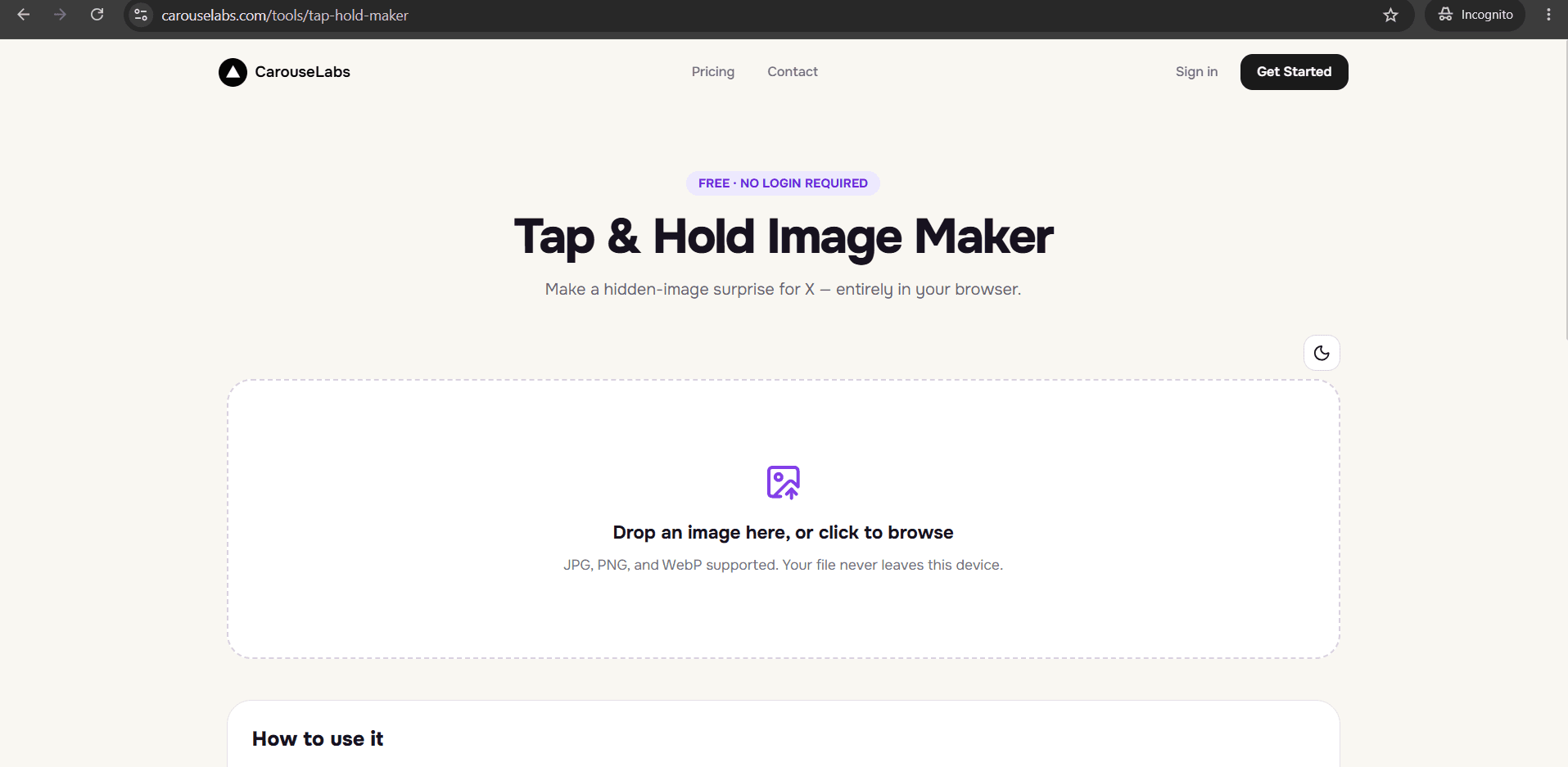
If you are looking for an online hidden image generator, it helps to know upfront what 'generate' means here: this is not an automated tool that detects a subject and hides it for you with one click. It is a fast, guided process — you paint a couple of brush strokes, watch the previews update instantly, and export. Most people go from upload to finished file in a couple of minutes.
The CarouseLabs Tap & Hold Image Maker is built around that fast loop. There is no complicated settings panel, no layers, and no manual to read first — just an upload area, a brush, two live previews, and a download button, all running free online.
What “Online Hidden Image Generator” Means
A hidden image generator, in practice, takes your source photo and produces a file that displays differently depending on how it is viewed: a lightly visible version in X's compressed timeline, and the full version when a viewer taps and holds it on mobile. The 'generating' part is you painting which areas should stay visible, and the tool instantly turning that into both a live preview and a downloadable file.
Because the two live previews — Timeline View and Tap & Hold View — update as you paint, you are effectively watching the generation happen in real time rather than waiting for a processing step. That immediate feedback is what makes it possible to fine-tune the result quickly instead of guessing and re-exporting repeatedly.
Why People Use This Effect
Hidden images generate strong engagement because the reveal converts a passive scroll into an action — pressing and holding the post — and that action is rewarded with a payoff that feels discovered rather than simply shown.
An online generator suits how the format is actually used day to day: quickly, often around a timely idea, and usually more than once. A tool that gets you from a raw photo to a finished export in a couple of minutes, without a learning curve, is what makes it realistic to post this kind of content regularly.
How to Create This with CarouseLabs
Here is the fast, guided process for generating a hidden image online with the free CarouseLabs Tap & Hold Image Maker.
- 1
Open the online generator
Go to /tools/tap-hold-maker. It is free and loads immediately as a web page, ready to start generating as soon as you have an image.
30 sec - 2
Upload the image you want to turn into a hidden reveal
Drag your JPG, PNG, or WebP file into the upload area, or select it with the file picker. Processing happens locally in your browser from this point on.
15 sec - 3
Paint the visible areas to shape the generation
Use the brush tool to mark what should stay visible in the timeline. This is the input that drives the generation — everything unpainted becomes the hidden portion. Undo or Clear if a stroke reveals too much.
1-2 min - 4
Watch both previews generate in real time
Timeline View and Tap & Hold View update instantly with every brush stroke, so you can see the generated result and adjust it immediately rather than waiting for a separate render step.
30 sec - 5
Generate your final download
Click Download for X to produce an optimized PNG-8 tuned for X's compression, or choose WebP for other platforms. The export happens instantly with no processing queue.
10 sec - 6
Post the generated image on X
Upload the downloaded file from a desktop browser rather than the X mobile app to avoid extra compression. Followers on mobile can then tap and hold it to trigger the reveal.
20 sec
Try it as you read
Open the maker in another tab and follow along with the steps above.
Tips for Better Results
Understand it is guided, not automatic
There is no AI subject-detection step — you decide what stays visible with the brush. This gives you more control than a fully automatic generator would, at the cost of a couple of brush strokes.
Use a larger brush for faster coverage
If the area you want visible is simple, a bigger brush size lets you cover it in one or two strokes instead of many small ones, speeding up the generation.
Let the live preview replace guesswork
Instead of exporting and checking the result afterward, watch Timeline View and Tap & Hold View while you paint — you will usually land on the right result in the first attempt.
Generate a few variations quickly since it is free
Because there is no cost or limit, it is worth quickly painting two or three different visible regions and comparing the generated previews before you download.
High-contrast images generate a clearer reveal
A distinct subject against a simpler background produces a more legible hidden-to-revealed transition than a busy, low-contrast photo.
Examples
Quick reaction post
Generate a hidden image around a timely reaction or joke and post it within minutes of the moment happening.
Recurring content format
A creator who posts hidden images regularly can rely on the fast generation loop to keep a consistent posting schedule.
Testing different reveals
Because generating a new version costs nothing, you can quickly compare a few different visible-area choices before publishing.
Common Mistakes
Expecting one-click automatic generation with no painting
Fix: The brush step is required and is what gives you control over the reveal. Budget a minute or two for painting rather than looking for a fully automatic option.
Downloading before checking the live previews
Fix: Because the previews update instantly, there is no reason to export blind. Glance at both Timeline View and Tap & Hold View before clicking download.
Using a brush size that is too small for the image
Fix: A brush that is too fine for a large image can make painting slow and uneven. Increase the brush size for broad areas and reduce it only for precise edges.
Posting the generated file through the X mobile app
Fix: The app's own compression can undo the effect after posting. Always publish from a desktop browser instead.
Frequently Asked Questions
Generating a hidden image online comes down to a short, guided loop: paint what stays visible, watch both previews update instantly, and export. The CarouseLabs Tap & Hold Image Maker keeps that loop fast enough to use regularly, not just for a single one-off post.
Open the free online generator at /tools/tap-hold-maker and generate your first hidden image in the next few minutes.
Make your online hidden image generator right now
Everything above happens inside one free browser tool — no signup, no design software.
Create your Tap & Hold image nowFree forever · Works entirely in your browser