Spoiler Image Ideas
Ways to share spoilers on X without ruining them for followers who have not caught up yet.
Free · No login required
Skip ahead and start now, or read the full guide below.
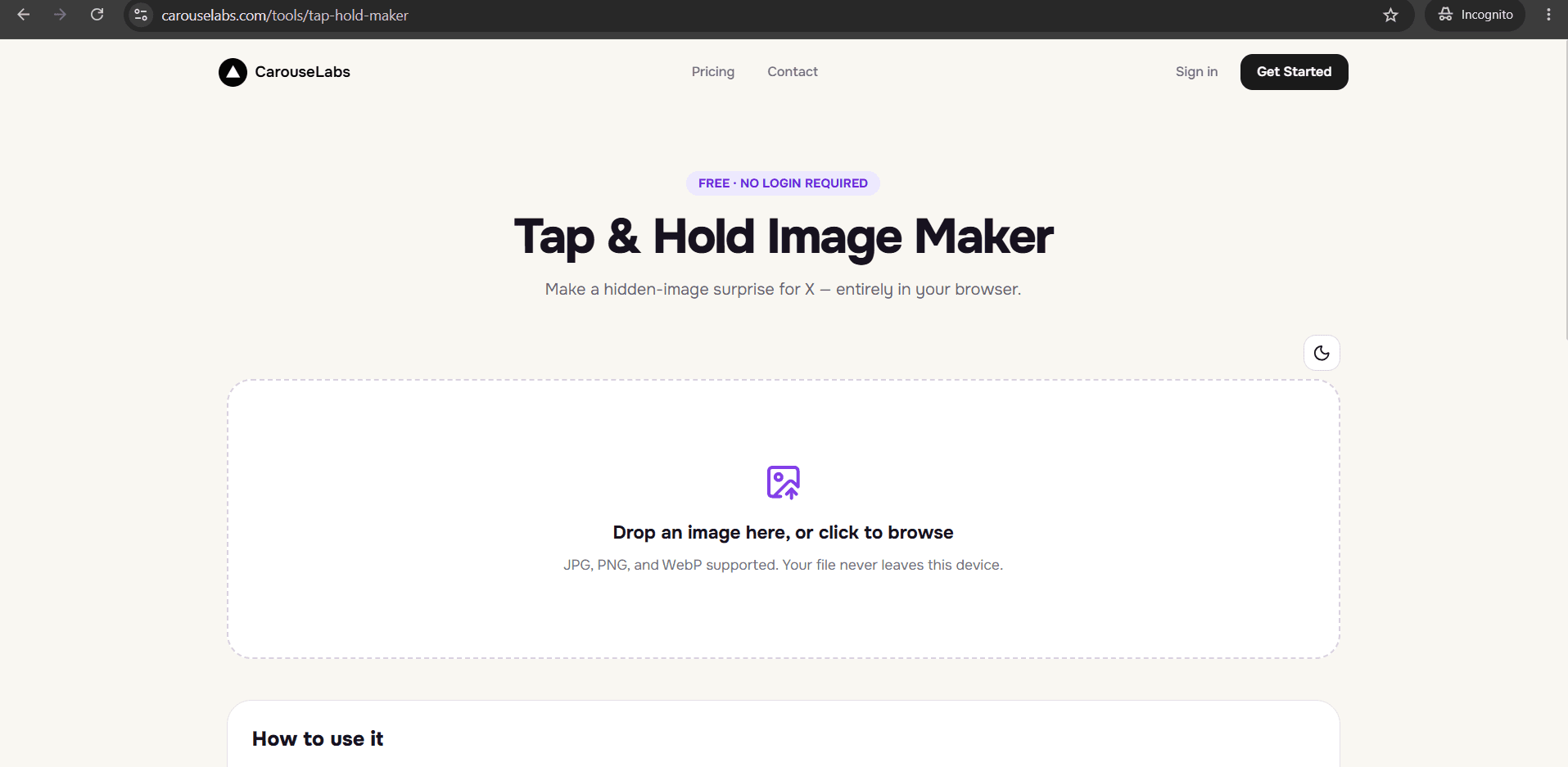
Posting about a big TV twist, movie ending, or sports result on X usually means choosing between staying silent or risking spoiling it for followers who have not watched yet. A tap and hold image solves this directly — the spoiler stays hidden by default, and only followers who deliberately tap and hold see it.
This page covers specific ways to structure a spoiler reveal, all buildable with the free CarouseLabs Tap & Hold Image Maker using a screenshot or photo you already have.
What “Spoiler Image Ideas” Means
A spoiler image uses the same underlying tap and hold mechanic as any other reveal, but the purpose is protective rather than purely promotional — it lets you post about a plot twist, a finale, or a game result while giving your audience a genuine choice about whether to see it. The spoiler content stays hidden in the X timeline and only appears once someone taps and holds.
This is different from a text spoiler warning, which relies entirely on the reader's self-restraint. A tap and hold spoiler image adds an actual barrier — an extra deliberate action — between a scrolling follower and the spoiler itself.
Why People Use This Effect
The format is popular for spoilers specifically because it resolves a real tension: creators want to talk about what just happened, and audiences want to avoid being spoiled before they catch up. A hidden reveal lets both things happen in the same post instead of forcing a choice between silence and risk.
It also performs well because followers who do choose to reveal a spoiler are highly engaged in that moment — they made an active decision to see it, which often leads to an immediate reply or reaction rather than a passive scroll past.
How to Create This with CarouseLabs
Here is how to build a spoiler-safe tap and hold image using the free CarouseLabs Tap & Hold Image Maker.
- 1
Open the Tap & Hold Image Maker
Go to /tools/tap-hold-maker. It is free, requires no account, and works directly in your browser.
30 sec - 2
Upload the screenshot or photo containing the spoiler
Drag in the image with the plot twist, finale moment, or game result. It stays local to your browser and is not uploaded anywhere during editing.
15 sec - 3
Paint only a spoiler-free teaser as visible
Use the brush to keep visible only what does not give anything away — a blurred edge, a neutral background element — while the actual spoiler stays unpainted and hidden.
1-2 min - 4
Double-check Timeline View for accidental spoilers
Carefully review Timeline View to confirm nothing spoiler-relevant is visible before someone taps and holds. Adjust your strokes if any identifying detail is showing.
30 sec - 5
Download the export
Use Download for X to get the PNG-8 file tuned for X's timeline compression, keeping the hidden spoiler reliably concealed until revealed.
10 sec - 6
Post with a clear spoiler warning caption
Publish from a desktop browser and add a short caption noting that the post contains spoilers, so followers who tap and hold are making an informed choice.
20 sec
Try it as you read
Open the maker in another tab and follow along with the steps above.
Tips for Better Results
Add a text warning even though the image is hidden
A hidden image reduces accidental spoilers, but a short caption warning followers before they tap makes the choice fully informed.
Choose a visible teaser with zero identifying detail
Even a small visible fragment — a logo, a background color, a partial face — can give away too much for a dedicated fan. Err on the side of less.
Post spoilers with some delay after release
Combining the hidden-image format with a reasonable time buffer after a episode or event airs respects viewers who have not caught up yet.
Use a plain background crop as the visible portion when possible
A neutral, context-free visible area is the safest teaser for spoiler content, since it reveals nothing on its own.
Re-check Timeline View one more time before publishing
Spoilers are unforgiving of small mistakes — glance at the final export once more to confirm no spoiler detail leaked into the visible area.
Examples
TV finale reveal
A blurred, spoiler-free still stays visible while the finale's key moment is hidden until tap and hold.
Movie plot twist reveal
A neutral poster crop stays visible while the actual twist scene is hidden as the payoff.
Sports score reveal
A generic game photo stays visible while the final score or winning play is hidden for fans catching up later.
Book ending reveal
A cover crop stays visible while a key final-chapter image or quote is hidden underneath.
Common Mistakes
Leaving an identifiable detail in the visible teaser
Fix: A face, logo, or scoreboard number in the visible area can spoil the moment even without the full reveal. Keep the visible fragment neutral.
Skipping a text spoiler warning in the caption
Fix: Pair the hidden image with a short caption warning, so followers know a spoiler is behind the tap before they choose to reveal it.
Posting the spoiler too soon after release
Fix: Even with a hidden image, posting immediately after a big moment airs increases the chance of an accidental early reveal. Consider a short delay.
Uploading through the X mobile app
Fix: Post from a desktop browser instead — the mobile app's compression is the most common reason a spoiler reveal stops working and can behave unpredictably.
Frequently Asked Questions
A tap and hold spoiler image lets you talk about a big twist or result without forcing that moment on every follower scrolling past. Keep the visible teaser neutral, pair it with a clear caption warning, and let the hidden reveal do the rest.
Build your next spoiler-safe post in the free CarouseLabs Tap & Hold Image Maker and double-check Timeline View before you publish.
Make your spoiler image ideas right now
Everything above happens inside one free browser tool — no signup, no design software.
Create your Tap & Hold image nowFree forever · Works entirely in your browser