Marketing Tap and Hold Ideas
Practical tap and hold image concepts brands and creators can use for launches, promotions, and announcements.
Free · No login required
Skip ahead and start now, or read the full guide below.
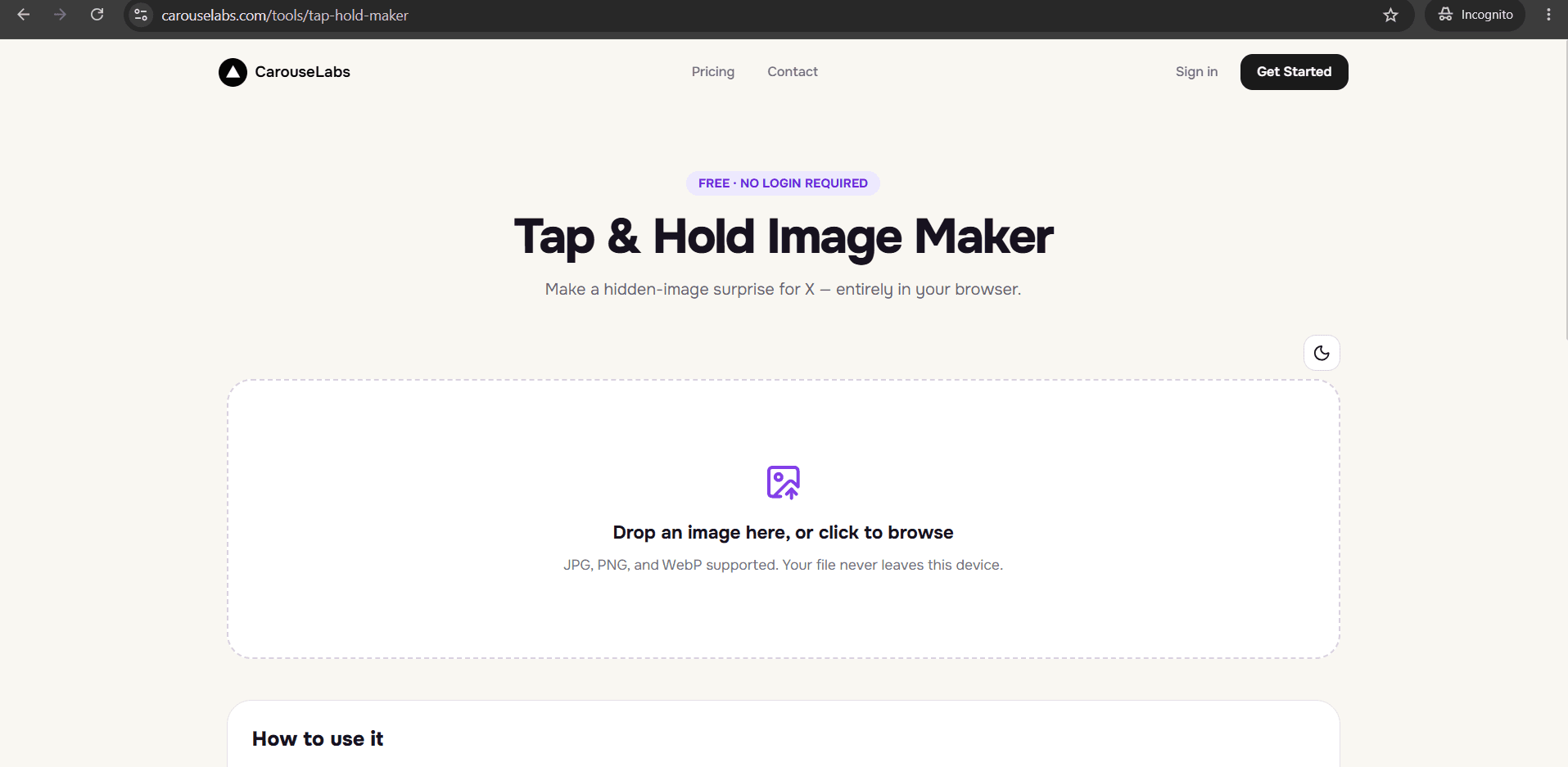
For brands and creators posting on X, the tap and hold format is a low-effort way to make an otherwise ordinary announcement feel like an event. Instead of just posting a product photo, you can make the audience actively reveal it — which naturally increases the time spent on the post and the odds of a reply or share.
This page walks through specific marketing use cases for the format, each buildable with the free CarouseLabs Tap & Hold Image Maker without any design software or outside help.
What “Marketing Tap and Hold Ideas” Means
In a marketing context, a tap and hold image works by pairing a teaser — a silhouette, a partial view, a blurred detail — with a hidden reveal that delivers the actual announcement: a new product, a discount code, a launch date, or a winner. The mechanic is identical to any other tap and hold image; what changes is the business purpose behind the reveal.
Because the reveal requires a deliberate action from the viewer, it works differently than a normal promotional post. Someone who taps and holds to see a discount code is more engaged with that code than someone who simply scrolled past a visible one.
Why People Use This Effect
Marketing accounts adopt the format because it turns a passive announcement into an interaction, and interactions are what get rewarded with wider reach on X. A hidden discount code or sneak peek also gives people a concrete reason to reply or quote the post, which extends its distribution beyond the original audience.
It is also popular because it costs nothing beyond the time to make the image. There is no ad spend or special production required — a single product photo and a few minutes with the CarouseLabs Tap & Hold Image Maker is enough to build a functioning campaign post.
How to Create This with CarouseLabs
Here is how to build a marketing-focused tap and hold image using the free CarouseLabs Tap & Hold Image Maker.
- 1
Open the Tap & Hold Image Maker
Go to /tools/tap-hold-maker. It is free, requires no account, and works in any modern browser.
30 sec - 2
Upload your product photo or announcement graphic
Drag in the image behind your campaign. It stays local to your browser during editing and is never uploaded to a server before you choose to download it.
15 sec - 3
Paint the teaser that fits your campaign
Use the brush to keep only a partial view visible — a silhouette, a blurred edge, a cropped detail — while the full announcement stays hidden.
1-2 min - 4
Preview both the timeline teaser and the full reveal
Check Timeline View to confirm the teaser is intriguing without giving away the announcement, and Tap & Hold View to confirm the reveal lands clearly.
30 sec - 5
Download the export tuned for X
Use Download for X for the PNG-8 file optimized for X's timeline compression, or the WebP option if the same graphic is going out on another channel too.
10 sec - 6
Publish from a desktop browser and track replies
Post from desktop web rather than the mobile app so the reveal works reliably, then watch replies and quotes for engagement with the hidden content.
20 sec
Try it as you read
Open the maker in another tab and follow along with the steps above.
Tips for Better Results
Reveal something genuinely new, not filler
A hidden reveal that turns out to be an ordinary product shot will not earn a second interaction. Reserve the format for launches, discounts, or announcements worth the extra step.
Keep the visible teaser on-brand
Even a small visible fragment carries your brand's visual identity — make sure the crop or silhouette still looks intentional, not accidental.
Pair the reveal with a time-limited hook
Campaign posts that combine a hidden reveal with urgency, like a limited discount window, tend to prompt faster engagement.
Test the reveal internally before a launch
Have a teammate tap and hold the exported image on their own phone before the campaign goes live, to confirm the reveal reads as intended.
Track which teaser styles drive more replies
Since building a new version takes minutes, compare a silhouette teaser against a blurred-detail teaser across two campaigns to see what your audience responds to.
Examples
Product silhouette launch
A product's outline stays visible while the full shot is hidden until launch day, when followers reveal it themselves.
Hidden discount code
A promotional graphic stays visible while the actual discount code is hidden inside the image, rewarding those who tap and hold.
Giveaway winner reveal
A 'drumroll' teaser stays visible while the winner's name or photo is hidden as the payoff.
Sneak peek collection reveal
A cropped fabric or texture detail stays visible while a full new collection photo is hidden ahead of release.
Event countdown reveal
A date or countdown graphic stays visible while event details are hidden until closer to the reveal date.
Common Mistakes
Hiding something that is not worth the interaction
Fix: Reserve the format for genuine announcements — new products, discount codes, launch dates — rather than routine content, so the audience keeps trusting the reveal.
Making the visible teaser too generic
Fix: A teaser with no brand identity or hook will not earn the tap. Make sure the visible fragment still looks distinctly like your brand.
Skipping a test tap-and-hold before launch
Fix: Always preview the reveal yourself, ideally on a second device, before a campaign goes live to a real audience.
Publishing the campaign image through the X mobile app
Fix: Upload the file from a desktop browser instead. Posting from the mobile app is the most common reason a marketing reveal fails after launch.
Frequently Asked Questions
For brands on X, a tap and hold image turns an announcement into a moment the audience actively participates in, rather than passively scrolls past. It costs nothing beyond a product photo and a few minutes with the free CarouseLabs Tap & Hold Image Maker.
Try building your next product teaser or discount reveal in the tool and see how the interaction changes engagement on the post.
Make your marketing tap and hold ideas right now
Everything above happens inside one free browser tool — no signup, no design software.
Create your Tap & Hold image nowFree forever · Works entirely in your browser