Top Hidden Image Tools: Run Any of Them Through This Checklist
Instead of a ranked list, here's a practical checklist you can run any hidden image tool through — and exactly how CarouseLabs' free tool scores on each item.
Free · No login required
Skip ahead and start now, or read the full guide below.
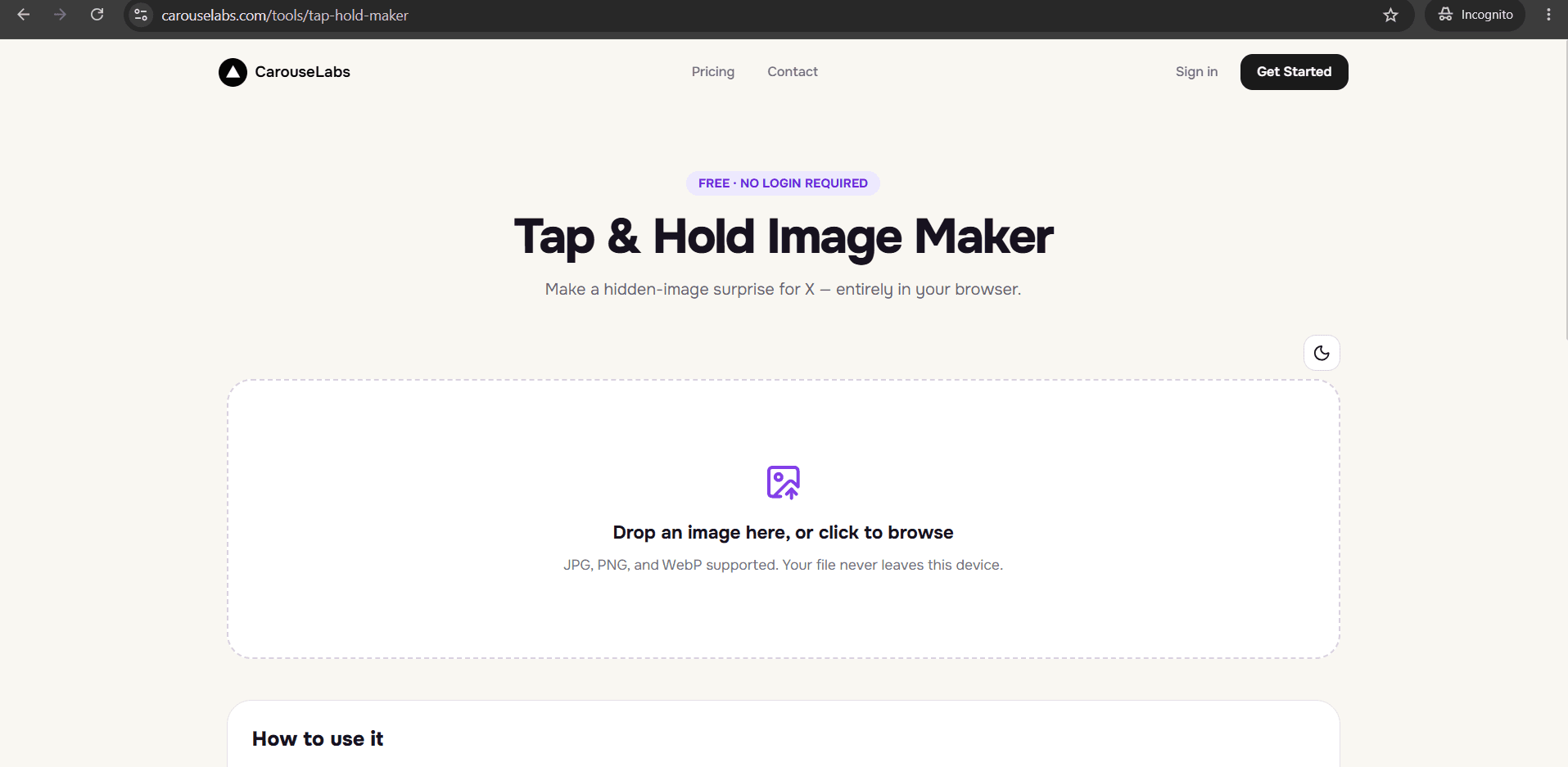
"Top tools" articles usually turn into a list of five or ten near-identical entries, which isn't actually useful when you're trying to decide whether a specific tool is worth your time. A more useful approach is a checklist: a short list of concrete, checkable requirements that any hidden image tool should meet, which you can run against whatever tool you're currently looking at, including this one.
Below is that checklist, followed by a breakdown of how the free CarouseLabs Tap & Hold Image Maker performs against each item. No other product is named — this is meant to be a standard you apply yourself, not a ranking.
What “Top Hidden Image Tools” Means
A hidden image tool takes a source photo and produces a file that shows a limited version in a compressed timeline and a fuller version when a viewer presses and holds it. Whether a specific tool is any good comes down to a short list of testable properties, not subjective polish — things like whether it processes images locally, whether it shows an accurate preview, and whether the exported file survives the platform's compression.
Treating it as a checklist rather than a vibe check makes it much easier to spot a weak tool quickly: if it's missing two or three items on the list, you'll likely find that out the hard way after posting, rather than before.
Why People Use This Effect
People search "top hidden image tools" hoping for a shortcut to a good decision, but the format's all-or-nothing failure mode — either the effect survives the platform's compression or it doesn't — means a checklist approach is genuinely more useful than a ranked popularity list. It puts the decision in your hands.
It also matters because most of the checklist items are things you can verify in under a minute of actually using a tool, rather than trusting a claim on a landing page. That makes this format of evaluation both faster and more reliable than reading reviews.
How to Create This with CarouseLabs
Here's the checklist walked through step by step, using the free CarouseLabs Tap & Hold Image Maker as the working example at each stage.
- 1
Checklist item: Can you open it without an account?
Go to /tools/tap-hold-maker. There's no signup or login screen in the way — you land directly on the tool.
30 sec - 2
Checklist item: Does it process your image locally?
Upload a JPG, PNG, or WebP file. CarouseLabs processes it in your browser during editing rather than sending it to a server.
15 sec - 3
Checklist item: Is the brush precise, with undo support?
Paint the visible area with an adjustable brush, using Undo or Clear as needed. A vague or fixed-shape brush fails this item.
1-2 min - 4
Checklist item: Does it show a live, accurate preview?
Check Timeline View and Tap & Hold View, both updating in real time. A tool with no working preview, or only a static one, fails this item.
30 sec - 5
Checklist item: Does the export match the platform's compression?
Use Download for X for an indexed PNG-8 file built for that compression pipeline, or WebP for elsewhere. A generic-only export fails this item.
10 sec - 6
Checklist item: Does the guidance cover how to actually post it?
Post the downloaded file from a desktop browser rather than the mobile app. A tool that stops at the download button without this guidance leaves you to find this out the hard way.
20 sec
Try it as you read
Open the maker in another tab and follow along with the steps above.
Tips for Better Results
No account required to start
CarouseLabs' Tap & Hold Image Maker opens straight to the upload area — no signup, login, or email capture in the way.
Images are processed locally, not uploaded to a server during editing
Editing happens in your browser, so your source image and your edits stay on your device throughout the process.
Brush is adjustable with Undo and Clear
You can resize the brush and revert individual strokes, which matters for controlling precisely what stays hidden.
Live preview shows both the hidden and revealed states
Timeline View and Tap & Hold View update in real time as you paint, so you confirm the result before exporting anything.
Export format is built for the platform, not generic
Download for X produces an indexed PNG-8 file tuned specifically for X's timeline compression, rather than a one-size-fits-all format.
Posting guidance is included, not left out
The desktop-versus-mobile-app posting distinction is explained clearly, so the effect doesn't fail after you've done everything else correctly.
Examples
Quick single-image checklist run
Making one hidden image start to finish while checking off each item on the list, confirming every requirement is met along the way.
Comparing your own past attempts
Revisiting a hidden image that didn't work on X and diagnosing which checklist item — usually export format or posting method — was missed.
Teaching someone else the format
Walking a friend or teammate through the checklist so they understand not just how to use the tool, but what makes any hidden image tool reliable.
Common Mistakes
Judging a tool only by its editing interface
Fix: Run through the whole checklist, including export format and posting guidance, not just how the brush feels to use.
Skipping the local-processing check
Fix: Confirm whether a tool uploads your image to a server before you can even edit it. CarouseLabs processes images locally in the browser during editing.
Not testing the live preview before trusting the export
Fix: Check both Timeline View and Tap & Hold View update instantly as you paint — a tool without accurate live previews leaves you guessing at the outcome.
Ignoring posting guidance entirely
Fix: A correctly exported file can still fail if posted through the wrong app. Always post from a desktop browser, as CarouseLabs' guidance specifies.
Frequently Asked Questions
A short, concrete checklist — no account required, local processing, precise brush controls, live dual preview, platform-specific export, and clear posting guidance — is a far more reliable way to judge a hidden image tool than a ranked list. Run it against anything you're considering.
The free CarouseLabs Tap & Hold Image Maker was built to pass every item on that list. Try it at /tools/tap-hold-maker and check each one yourself.
Make your top hidden image tools right now
Everything above happens inside one free browser tool — no signup, no design software.
Create your Tap & Hold image nowFree forever · Works entirely in your browser