The Best Free Tap and Hold Maker: What 'Free' Should Actually Mean
'Free' gets used loosely. Here's what it should actually mean for a tap and hold maker, and how CarouseLabs' tool clears every part of that bar with nothing held back.
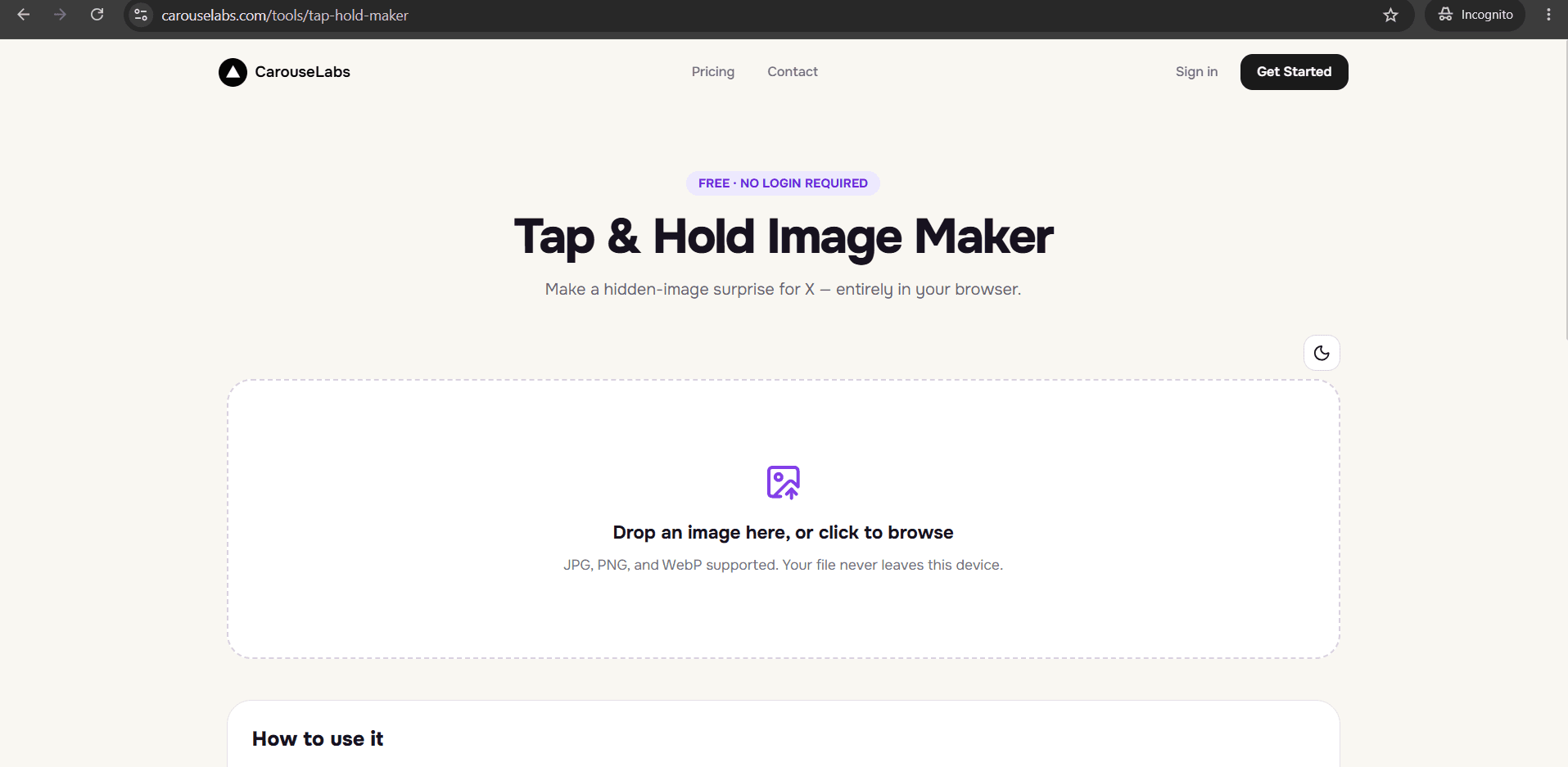
Free · No login required
Skip ahead and start now, or read the full guide below.
"Free" is one of the most stretched words in software. It can mean genuinely free, or it can mean free-to-open with a paywall waiting at export, a watermark stamped across your image, a daily download cap, or a signup form standing between you and the tool. For something as specific as a tap and hold maker, those hidden costs matter more than usual, because most people trying this only need it occasionally — paying for an account or handing over an email address for a one-off image is a bad trade.
This page lays out what "free" should actually mean in this category, in concrete terms you can verify yourself, and shows exactly where the free CarouseLabs Tap & Hold Image Maker stands on each one.
What “Best Free Tap and Hold Maker” Means
A genuinely free tap and hold maker has no account requirement, no payment information collected anywhere in the flow, no watermark added to your exported file, and no artificial limit on how many images you can make or download. Anything less than that is free in name only — a free trial, a freemium tier, or a lead-generation funnel dressed up as a free tool.
It should also mean free without a catch on image ownership or usage rights: you upload your own image, you get your own image back, and what you do with the download afterward is entirely up to you.
Why People Use This Effect
People look specifically for a free option because this is usually a one-time or occasional need — making a hidden image for a single post — not a recurring workflow that justifies a subscription. A tool that gates the actual export behind a payment or an account after you've already invested time painting the image is a frustrating bait-and-switch.
It also matters because a watermark defeats the entire point of the format. A tap and hold image is supposed to look like an unremarkable photo until someone interacts with it — a visible watermark stamped across the file breaks that illusion before the reveal even happens.
How to Create This with CarouseLabs
Here's the full process from start to finish using the free CarouseLabs Tap & Hold Image Maker — notice there's no point where a paywall, watermark, or signup form appears.
- 1
Open the tool with no signup
Go to /tools/tap-hold-maker directly. There's no account creation, no email capture, and no trial countdown before you can start.
30 sec - 2
Upload your image at no cost
Drag your JPG, PNG, or WebP file into the tool or select it from your device. It's processed locally in your browser, and uploading it costs nothing and requires nothing from you.
15 sec - 3
Paint with the full brush toolset, unrestricted
Use the adjustable brush, Undo, and Clear freely — none of these controls are locked behind a paid tier or limited to a certain number of uses.
1-2 min - 4
Preview both states without a watermark
Check the Timeline View and Tap & Hold View panels — what you see in preview is exactly what you'll get in the export, with nothing stamped over it.
30 sec - 5
Download without hitting a paywall
Click Download for X to get your indexed PNG-8 file, or choose WebP — either export is free, with no limit on how many times you download.
10 sec - 6
Share it on X at no additional cost
Post the downloaded file from a desktop browser. There's no CarouseLabs branding added to the file and nothing further required from you to use it.
20 sec
Try it as you read
Open the maker in another tab and follow along with the steps above.
Tips for Better Results
Check whether the export is actually free, not just the editor
Some tools let you edit for free but charge at download. CarouseLabs' Download for X and WebP exports are both free with no paywall at the final step.
Look for a watermark, or the lack of one
CarouseLabs does not stamp any logo or branding onto your exported image — what you see in the preview panels is exactly what downloads.
Confirm there's no login or email requirement
You can open the Tap & Hold Image Maker and go straight to uploading an image, with no account creation step in between.
Ask if there's a download limit
There's no cap on how many images you can create or download with CarouseLabs' free tool — make one image or twenty, the process stays the same.
Make sure 'free' doesn't mean 'lower quality'
The free export still uses the same optimized indexed PNG-8 format tuned for X's compression — free does not mean a degraded or lower-resolution result.
Examples
One-off event post
A single hidden image made for one announcement — no reason to pay for a subscription for a single use.
Occasional meme poster
Someone who posts a tap and hold meme once every few weeks, for whom a free, no-login tool removes all friction.
Small brand testing the format
A business trying the trend once before deciding whether to use it regularly — free access with no watermark lets them test it properly.
Common Mistakes
Assuming 'free' means free until the export step
Fix: Check the entire flow, especially the download button, before investing time painting an image. CarouseLabs' download is free with no surprise gate.
Giving away an email address for a one-time tool
Fix: A tap and hold maker you'll use occasionally shouldn't require an account. CarouseLabs skips signup entirely — open the tool and start working.
Not checking for a watermark before posting
Fix: A watermark defeats the format's whole point of looking like an ordinary image pre-reveal. Confirm the preview panels are watermark-free, as CarouseLabs' are, before you download.
Assuming a free tool means a lower-quality export
Fix: Free and low-quality aren't the same thing. CarouseLabs' free export still uses the platform-specific indexed PNG-8 format, not a stripped-down version.
Frequently Asked Questions
A genuinely free tap and hold maker has no signup, no watermark, no download cap, and no paywall hiding behind the editor. CarouseLabs' Tap & Hold Image Maker meets all four, which is a low bar in theory but one that's worth actually checking rather than assuming.
Open the free Tap & Hold Image Maker, make an image start to finish, and confirm for yourself that nothing was gated along the way.
Make your best free tap and hold maker right now
Everything above happens inside one free browser tool — no signup, no design software.
Create your Tap & Hold image nowFree forever · Works entirely in your browser