The Best Image Reveal Software Doesn't Need to Be Installed
The word 'software' implies something you install. Here's why that's the wrong bar for this category, and how a browser-based tool actually clears it more reliably.
Free · No login required
Skip ahead and start now, or read the full guide below.
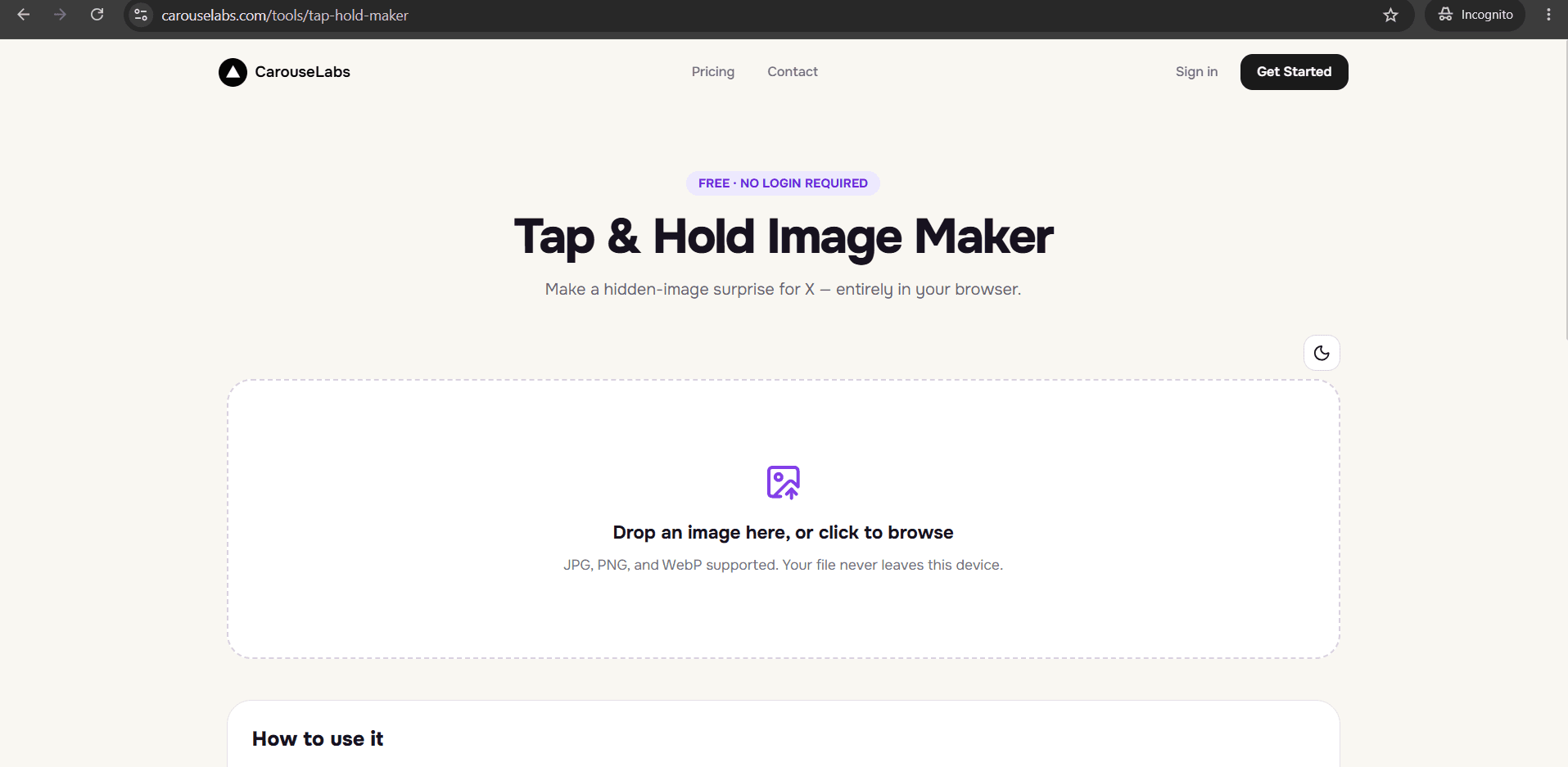
"Software" usually implies something you download, install, keep updated, and eventually uninstall — but for a tool this specific, that entire model works against you. You don't need a permanent application taking up space and requiring updates for a task you might do once a month. What you actually need is something that opens instantly, works the same on any device, and produces the exact same result every time, which is a different and better bar than "software" traditionally implies.
This page reframes what to look for in image reveal software around that reality, and shows how the free, browser-based CarouseLabs Tap & Hold Image Maker meets it without asking you to install anything at all.
What “Best Image Reveal Software” Means
Image reveal software, in the useful sense, is a tool that turns a source image into a file that shows a limited version in a compressed timeline and a full version on tap and hold. The traditional idea of "software" — a downloadable application — adds friction without adding capability here, because the entire task is well suited to running directly in a browser: upload an image, paint a selection, preview two states, export a file.
The things that actually matter are the same as with any tool in this category — local processing, precise controls, accurate previews, and a platform-tuned export — none of which require an installed application to deliver. A browser-based tool can meet every one of those bars while also being available instantly on whatever device you're using.
Why People Use This Effect
People search for "reveal software" out of habit, expecting to need to download something, and are often relieved to find they don't have to. Installing an application for an occasional task means dealing with system requirements, updates, and eventually cleanup — overhead that has nothing to do with the actual task of making one image.
It also matters because a browser-based tool works identically whether you're on a work laptop, a personal desktop, or a phone, without needing separate installs for each. That consistency is worth more in practice than any feature a traditional installed application might offer.
How to Create This with CarouseLabs
Here's the entire process using the free, browser-based CarouseLabs Tap & Hold Image Maker — notice there's no download, install, or system requirement anywhere in it.
- 1
Open the tool in your browser — nothing to install
Go to /tools/tap-hold-maker in any modern browser on desktop or mobile. There's no installer, no system requirements to check, and no setup step.
30 sec - 2
Upload your image
Drag a JPG, PNG, or WebP file into the tool or select it from your device. It's processed locally in your browser rather than uploaded to a server during editing.
15 sec - 3
Use the brush tool directly in the browser window
Adjust the brush size and paint the visible area, using Undo or Clear as needed — all running in the browser tab, with no separate application window.
1-2 min - 4
Preview both outcomes instantly
Timeline View and Tap & Hold View update live as you paint, right in the same browser tab, with no export-and-reopen cycle that installed software often requires.
30 sec - 5
Download the finished file
Click Download for X for an indexed PNG-8 file tuned for X's compression, or export as WebP — the file saves normally to your device like any browser download.
10 sec - 6
Post it on X from a desktop browser
Upload the downloaded file to X from a desktop browser rather than the mobile app, so the extra compression pass the app applies doesn't undo the effect.
20 sec
Try it as you read
Open the maker in another tab and follow along with the steps above.
Tips for Better Results
No installation should mean no compromise on capability
CarouseLabs delivers the full brush, preview, and export workflow entirely in the browser — nothing is held back for a hypothetical installed version.
Check that it works the same across devices
Because it's browser-based, the tool behaves the same on a laptop, desktop, or phone, without separate downloads or version mismatches between devices.
No installed software means no updates to manage
There's no version to keep current or update prompt to dismiss — opening the page always gets you the current version of the tool.
Local processing still applies, install or not
Even without an installed application, your image is processed locally in the browser during editing rather than uploaded to a server first.
Instant access matters for occasional use
For a tool you might only use a few times, being able to open it and start immediately beats downloading and installing an application for the same result.
Examples
Quick edit on a borrowed or work computer
Making a tap and hold image on a device you don't own or fully control, with nothing to install and nothing left behind afterward.
Mobile-first editing before a desktop post
Painting the image on a phone browser, then switching to a desktop browser only for the final posting step to X.
Occasional, non-recurring use
Someone who needs to make a hidden image once for a specific event, with no reason to install and later manage a dedicated application.
Common Mistakes
Assuming you need to install something to get a reliable result
Fix: A browser-based tool can meet every real requirement — local processing, precise brush, accurate preview, platform-specific export — without an installer.
Downloading a desktop application for a task you'll do occasionally
Fix: Use a browser-based tool like CarouseLabs' Tap & Hold Image Maker instead, which opens instantly with nothing to install or later uninstall.
Expecting different results on different devices
Fix: A properly built browser-based tool behaves consistently across desktop and mobile, so switching devices shouldn't change your workflow or the result.
Overlooking whether a browser-based tool still processes images locally
Fix: No-install doesn't automatically mean privacy-friendly — check that editing happens in the browser rather than requiring an upload to a server, which CarouseLabs does.
Frequently Asked Questions
The best image reveal software for this task is the kind that doesn't ask you to install anything at all — it should open instantly, work the same across devices, and still meet every real requirement: local processing, a precise brush, accurate live previews, and a platform-tuned export.
Try the free, browser-based CarouseLabs Tap & Hold Image Maker at /tools/tap-hold-maker and see the full workflow without a single download.
Make your best image reveal software right now
Everything above happens inside one free browser tool — no signup, no design software.
Create your Tap & Hold image nowFree forever · Works entirely in your browser