Free Reveal Image Creator
Design a reveal moment inside a single image and let your audience uncover it themselves with a tap and hold — free with CarouseLabs.
Free · No login required
Skip ahead and start now, or read the full guide below.
A reveal image is a small piece of storytelling. There is a version the viewer sees first — the tease — and a version they only get to see if they take the extra step of pressing and holding it. Thinking of it that way, as a creative decision about what to show and what to withhold, is a more useful frame than thinking of it as a technical trick, and it is the frame this page uses.
The free CarouseLabs Reveal Image Creator gives you direct control over that decision. You choose exactly what the tease shows by painting it, you preview the payoff before you commit to it, and you export it in the format built to hold up on X — all without paying anything or creating an account.
What “Free Reveal Image Creator” Means
A reveal image is built from a single file that displays differently depending on the viewing condition. In X's compressed timeline, only the region you painted as visible is legible — that is your tease. When a viewer presses and holds the image, X renders it at full quality, showing everything, including the parts you deliberately left unpainted — that is your payoff.
As a creator, your job is really a composition decision: what small piece of the full image tells enough of the story to make someone want to hold it, without giving away what they are about to see. The brush tool in the CarouseLabs Reveal Image Creator is how you draw that line between tease and payoff, and both live previews let you judge the balance before exporting.
Why People Use This Effect
Reveal images work on the same instinct that makes a good opening line or a hidden punchline work in any medium — withholding just enough creates anticipation. On a platform built around a fast, low-effort scroll, a post that asks for a deliberate action in exchange for a payoff stands out precisely because it breaks the passive rhythm of the feed.
For creators specifically, the format rewards good composition over technical polish. An artist, photographer, or writer does not need any image-editing background to design a strong reveal — the storytelling instinct of deciding what to tease is the actual skill, and the free tool handles turning that decision into a working file.
How to Create This with CarouseLabs
Here is how to design and build a reveal image with the free CarouseLabs Reveal Image Creator, from choosing your tease to publishing the payoff.
- 1
Open the free Reveal Image Creator
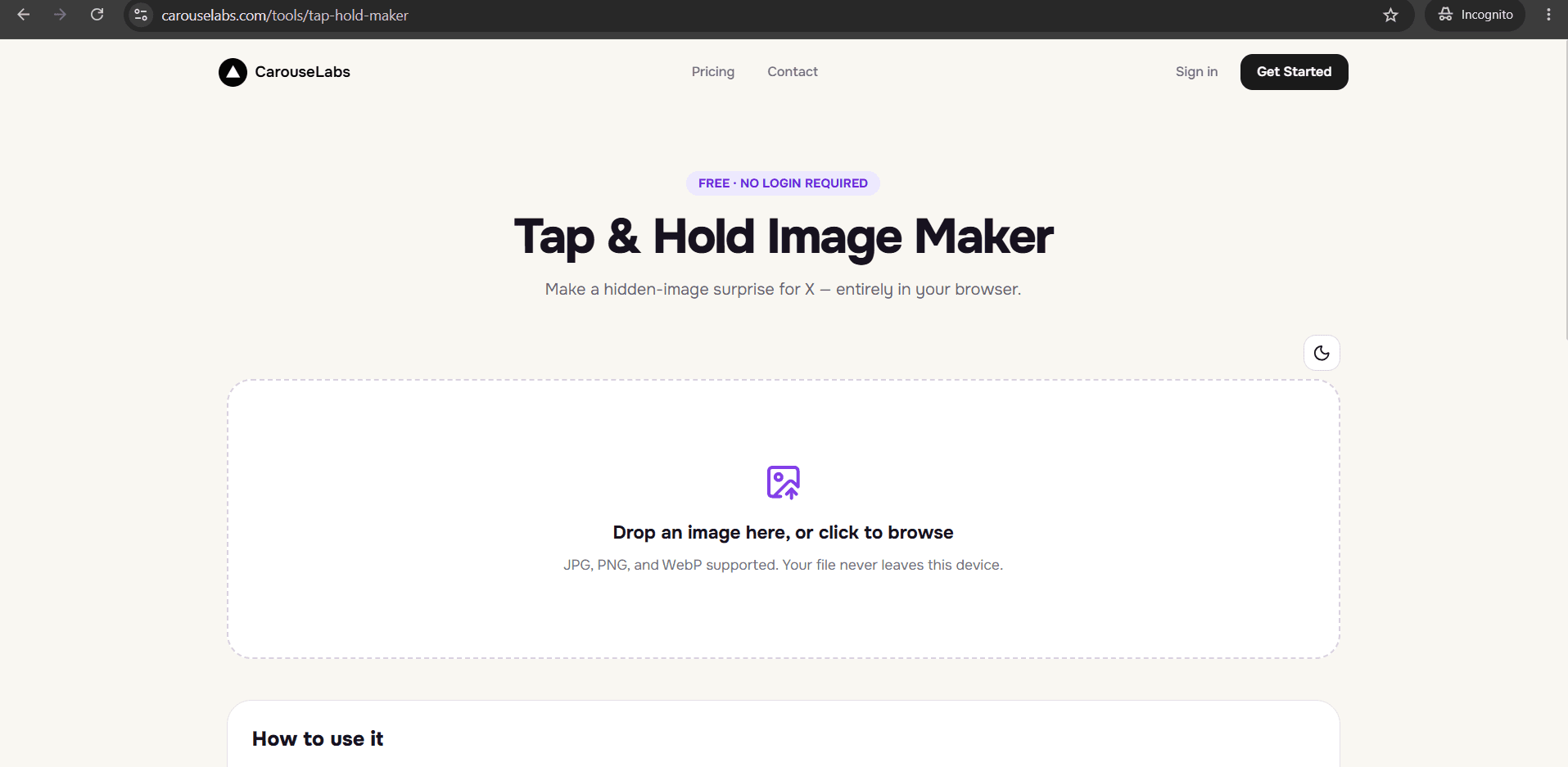
Go to /tools/tap-hold-maker. There is no account to set up, so you can move straight from an idea for a reveal to building it.
30 sec - 2
Upload the image that holds your payoff
Drag in the JPG, PNG, or WebP file that contains the full reveal you want your audience to eventually see. It is processed locally in your browser as you work.
15 sec - 3
Paint the tease with the brush tool
Decide what small piece of the image should be visible in the timeline — this is your tease. Paint only that region, adjusting brush size as needed, and use Undo if you want to reconsider the composition.
1-2 min - 4
Preview the tease and the payoff side by side
Timeline View shows the tease exactly as a scrolling viewer will see it; Tap & Hold View shows the full payoff. Judge whether the tease gives away too much or too little before finalizing.
30 sec - 5
Download your reveal image for free
Choose Download for X for a PNG-8 file built to preserve the reveal through X's compression, or download the WebP version if you are posting the reveal somewhere else.
10 sec - 6
Publish the reveal on X
Post the downloaded file from a desktop browser rather than the X mobile app, since the app can compress away the difference between tease and payoff. Your audience uncovers the payoff by tapping and holding.
20 sec
Try it as you read
Open the maker in another tab and follow along with the steps above.
Tips for Better Results
Choose a tease that raises a question, not one that answers it
A tease that already tells the viewer what they are about to see removes the reason to hold the image. Aim for a crop that hints without explaining.
Keep the tease area small and deliberate
A large visible area dilutes the payoff. A single detail — a hand, a corner, a word — usually creates more curiosity than showing a third of the image.
Try a few different tease crops before deciding
Because downloading is free, it is worth painting two or three different visible regions of the same image and comparing them in Timeline View before picking a favorite.
Use high-contrast source images for a clearer payoff
A payoff with a distinct subject against a simpler background reads more clearly in Tap & Hold View than a busy, cluttered photo.
Think about the caption alongside the tease
The words you post with the image can either reinforce the mystery of the tease or spoil it. Write the caption after you have settled on your tease crop, not before.
Examples
Comic-panel reveal
Show the setup panel of a short comic as the tease, and hide the punchline panel as the payoff.
Photography before-and-after
Tease with the plain 'before' shot and hide a dramatically different 'after' as the reveal.
Character or costume reveal
Tease with a silhouette or partial crop of a character design, hiding the full illustration as the payoff.
Twist-ending reveal
Tease with an ordinary-looking scene and hide a detail elsewhere in the frame that recontextualizes it.
Collaborative art reveal
Tease with one artist's contribution and hide the finished collaborative piece as the payoff.
Common Mistakes
Making the tease too generous
Fix: If the visible portion already shows most of the subject, there is nothing left to reveal. Trim the painted area down until only a small, suggestive piece remains visible.
Choosing a source image with a weak payoff
Fix: A reveal is only as good as what is underneath it. Pick an image where the full version genuinely adds something — a twist, a punchline, a detail — rather than one that looks the same before and after.
Skipping the Tap & Hold View before publishing
Fix: This is the only preview that shows the actual payoff. Always check it at least once to confirm the reveal lands the way you intended.
Posting from the X mobile app
Fix: The app's compression pass can undo the careful balance between tease and payoff. Always publish the downloaded file from a desktop browser.
Frequently Asked Questions
Building a good reveal image is a creative decision about what to tease and what to hold back, and the free CarouseLabs Reveal Image Creator gives you direct control over that decision through the brush tool and both live previews.
Open the free Reveal Image Creator, upload the image that holds your payoff, and design your first tease in the browser at no cost.
Make your free reveal image creator right now
Everything above happens inside one free browser tool — no signup, no design software.
Create your Tap & Hold image nowFree forever · Works entirely in your browser