Tap and Hold Generator Free
Generate tap and hold images again and again at no cost — built for meme accounts, marketers, and anyone posting this format regularly.
Free · No login required
Skip ahead and start now, or read the full guide below.
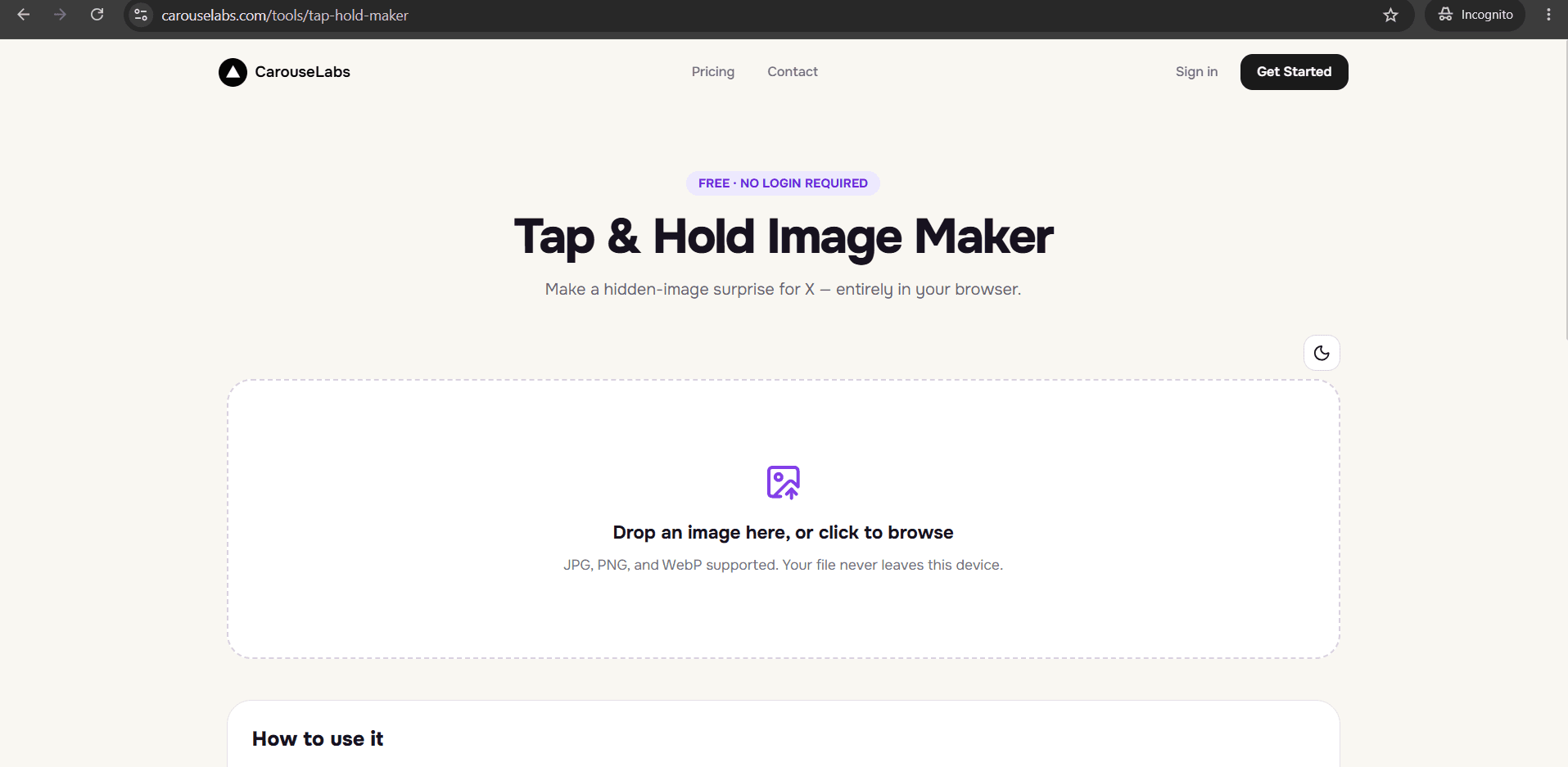
If you are only going to make one tap and hold image, the cost of the tool you use barely matters. But if you post this format regularly — a meme account running a recurring bit, a marketing team building a campaign around a series of reveals — the per-use cost of a tool adds up fast, and that is exactly the situation this generator is built for.
The CarouseLabs Tap & Hold Image Maker is free for every single generation, not just the first one. There is no counter tracking how many you have made, no tier that unlocks after a certain number of exports, and no reason to hold back on trying a variation before deciding it works.
What “Tap and Hold Generator Free” Means
Generating a tap and hold image means uploading a photo, painting the areas that should stay visible with the brush tool, and exporting a file that shows differently in X's compressed timeline versus a tap-and-hold reveal. That process is identical whether it is your first image or your fiftieth — nothing about the tool changes with repeated use.
Free here specifically means repeatable at no cost: every upload, every brush stroke, and every download runs through the same free workflow, whether you are making a single post or generating a new one every day for an ongoing series.
Why People Use This Effect
The format lends itself naturally to repetition. A single tap and hold post can go well, but a recurring series — a weekly reveal, a running joke format, a campaign with several teaser posts — builds a pattern that followers start to recognize and look forward to, which tends to outperform any single post on its own.
That kind of recurring use only makes sense with a generator that has no cost attached to repeated use. A tool that charged per export, or capped the number of downloads, would work against exactly the accounts and campaigns most likely to benefit from using the format regularly.
How to Create This with CarouseLabs
Here is the repeatable process for generating tap and hold images for free — run through these steps every time you want to add a new one to your series.
- 1
Open the free generator each time you need a new image
Go to /tools/tap-hold-maker. It is the same free tool every time, with no need to check a usage count or remaining balance before you start.
30 sec - 2
Upload the next image in your series
Drag your JPG, PNG, or WebP file into the upload area. Whether it is your first upload or your fiftieth, the process and cost stay the same.
15 sec - 3
Paint the visible areas for this image
Use the brush tool to mark what stays visible, keeping your approach consistent with earlier images in the series if you want a recognizable style. Undo or Clear if a stroke needs adjusting.
1-2 min - 4
Preview before you commit to this generation
Timeline View and Tap & Hold View update live as you paint, letting you confirm the result before exporting — worth doing even on a repeat generation, since every source image behaves a little differently.
30 sec - 5
Generate and download the file
Click Download for X to export an optimized PNG-8 at no cost. Repeat this for as many images as your series needs, with no limit on total downloads.
10 sec - 6
Post each one on X from desktop web
Upload each downloaded file to X from a desktop browser rather than the mobile app, keeping your posting process consistent across the whole series.
20 sec
Try it as you read
Open the maker in another tab and follow along with the steps above.
Tips for Better Results
Keep a consistent brush size across a series
Using a similar visible-area size across multiple posts gives your series a recognizable, consistent style that followers start to expect.
There is no cost penalty for discarding a generation and starting over
If a particular version does not feel right, there is no sunk cost in abandoning it and painting a fresh attempt — it is free either way.
Batch your source images ahead of time
If you know you will be generating several posts for a campaign or series, gather all your source images first so you can move through the upload-paint-download loop quickly for each one.
Vary the reveal type within a consistent format
Keeping the visible-area style consistent while varying what is actually hidden keeps a recurring series feeling fresh instead of repetitive.
Re-download rather than reusing an old file if you make an edit
If you go back and adjust an image later in your series, generate a fresh download — the earlier export will not reflect changes made afterward.
Examples
Weekly meme series
A meme account can generate a new tap and hold post every week at no cost, building a recognizable recurring format for followers.
Marketing campaign teaser series
A brand can generate several teaser posts leading up to a launch, each one hiding a different piece of the reveal, without factoring per-image cost into the campaign budget.
Fan account recurring reveal format
A fan account can build a running bit around a recurring reveal style, generating a fresh image for each new post in the series.
Common Mistakes
Assuming a limit exists and rationing use because of it
Fix: There is no limit on how many times you can generate an image, so there is no reason to hold back on trying variations or making a large series.
Losing consistency across a series by changing your approach each time
Fix: Decide on a rough visible-area style early in a series and stick with it across posts, so the format stays recognizable to your audience.
Reusing an outdated export after making edits
Fix: Always re-download after adjusting brush strokes. The previously downloaded file will not reflect changes made after that export.
Posting a whole series through the X mobile app
Fix: Publish every post in the series from a desktop browser. The app's compression can undo the effect on any post, not just the first one.
Frequently Asked Questions
A generator that stays free no matter how many times you use it is what makes a recurring tap and hold format practical — for a meme series, a marketing campaign, or any account posting this style regularly.
Open the free generator at /tools/tap-hold-maker and start building your series — generate the first one now, and the next one whenever you are ready.
Make your tap and hold generator free right now
Everything above happens inside one free browser tool — no signup, no design software.
Create your Tap & Hold image nowFree forever · Works entirely in your browser