Recreate a YouTube Thumbnail Style With AI
You've seen a thumbnail that stops you mid-scroll — the way the subject is cropped, where the text sits, how much contrast it has — and thought, 'I want mine to work like that.' Recreating that feeling by hand usually means eyeballing proportions in a design tool and hoping you got close. CarouseLabs skips the eyeballing: upload the thumbnail you admire, and the AI reads its actual structure — subject position, scale, text placement, background complexity — before asking what your video is about. What comes out isn't a copy of the original; it's a new thumbnail built for your content, inside the same structure that made the original one work. The style you admired becomes a format you can reuse for every upload, not a one-off you eyeball from memory each time you sit down to design.
See It In Action
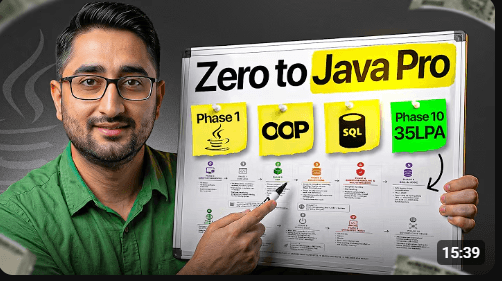
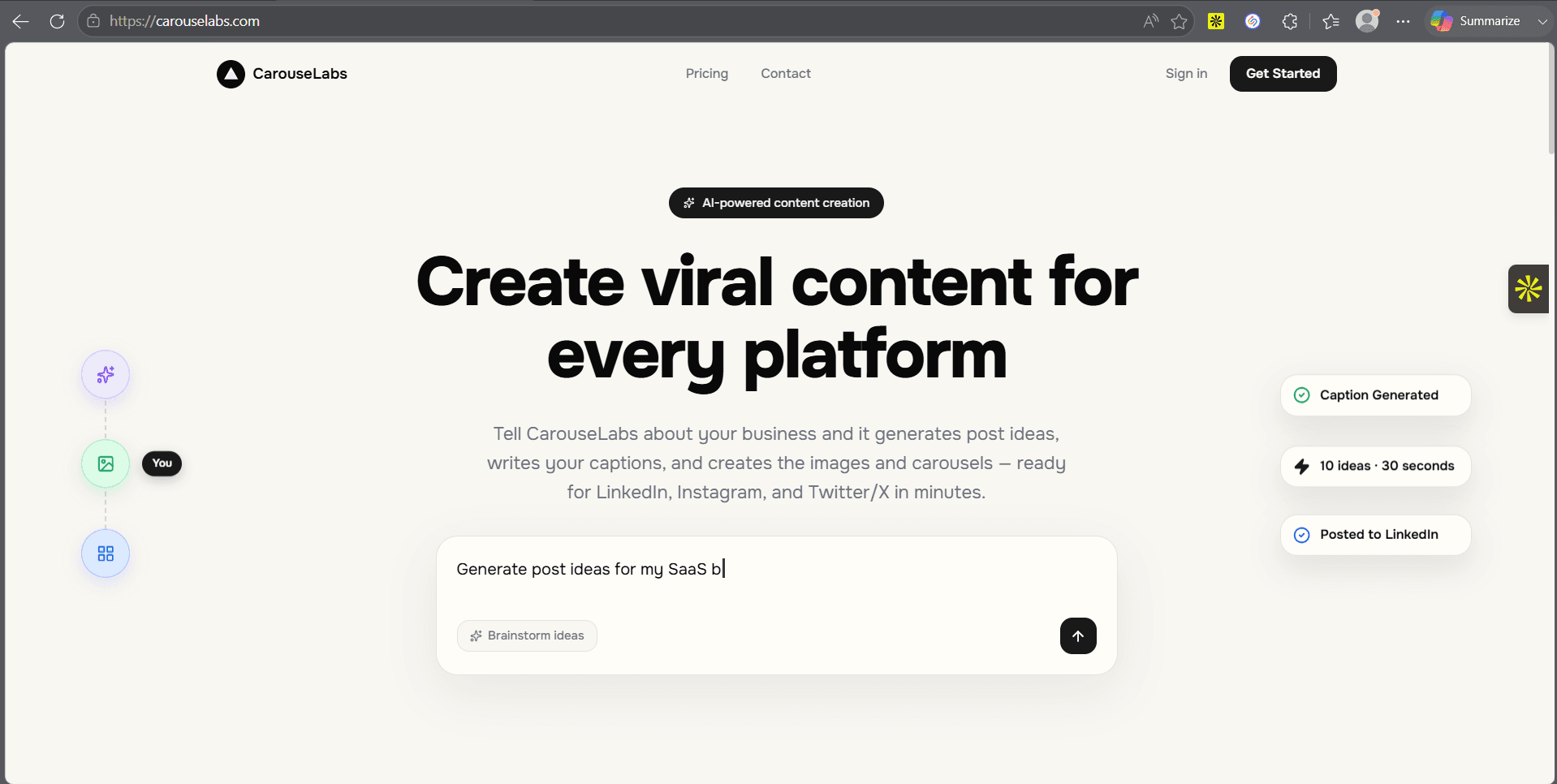
Reference thumbnail on the left, CarouseLabs result on the right.

How It Works
- 1
Find the thumbnail you want to recreate
Any thumbnail whose format you admire works — a screenshot from your feed, a competitor's upload, or one of your own past videos. You don't need the original design file, just the image itself.
- 2
Upload it as your reference
CarouseLabs analyzes the image directly — subject count, position, scale, text regions, background complexity — before it asks you anything, so the recreation starts from what's actually there, not from your description of it.
- 3
Tell CarouseLabs about your video
Give it your title, script, or key points. This is what fills the recreated structure, so the more specific you are, the less the AI has to guess about your content.
- 4
Answer a couple of quick questions
If the reference has a subject or text the AI can't infer from your video description alone, it asks — one question at a time, with a 'decide for me' option always available.
- 5
Generate your recreated thumbnail
CarouseLabs builds a true 16:9 thumbnail in the reference's structure, filled with your content — ready to download and compare side by side with the original that inspired it.
What Makes This Different
Recreates structure, not pixels — composition and hierarchy carry over; the actual content is entirely new and yours.
Works from any thumbnail you screenshot or save — you're analyzing a public image's structure, not lifting its actual assets.
One reference, reusable — generate a new recreation from the same reference for every new video without re-explaining the style each time.
The AI asks before it assumes — if it can't tell what should replace a subject or a line of text, it asks you directly instead of guessing.
Frequently Asked Questions
Recreate Your First Thumbnail Free
Upload a reference, answer a few questions, and see a real result — no credit card required to start.
Try It FreeNo credit card required