The Best Twitter Image Maker for the Tap and Hold Effect
The platform's name changed, but the compression behavior that makes tap and hold images work hasn't. Here's what a good Twitter image maker still needs to get right.
Free · No login required
Skip ahead and start now, or read the full guide below.
A lot of people still say Twitter out of habit, even though the platform now goes by X — and the tap and hold trick works the exact same way regardless of which name you use for it. What matters for a Twitter image maker isn't the branding, it's whether the tool understands the same underlying compression behavior in the timeline versus the tap-and-hold preview, and exports a file that survives it.
This page runs through what to check in a Twitter image maker specifically, including a detail people who learned the platform as Twitter sometimes miss — the posting device matters as much as the export — and shows how the free CarouseLabs Tap & Hold Image Maker handles all of it.
What “Best Twitter Image Maker” Means
A Twitter image maker, in the tap and hold sense, needs to produce a file that shows a limited version in the scrolling timeline and a fuller version when a viewer presses and holds it on mobile. That mechanic hasn't changed with the platform's rebrand — the same compressed-timeline-versus-full-preview gap is what the tool needs to be built around.
It also needs to be clear about where the effect can break: specifically, uploading through the mobile app versus a desktop browser, since the app applies its own compression pass regardless of what the platform is called.
Why People Use This Effect
People still search "Twitter image maker" because that's the vocabulary they know the platform by, even if the app icon and name have changed. The tool itself doesn't need to care what you call the platform — it needs to handle the actual technical behavior correctly, which is the same behavior whether you think of it as Twitter or X.
It also matters because a tool that only advertises itself around the newer X branding can read as unfamiliar to people still orienting themselves to the name change, even though functionally nothing about making the image is different.
How to Create This with CarouseLabs
Here's the full process using the free CarouseLabs Tap & Hold Image Maker — it works exactly the same whether you think of the destination as Twitter or X.
- 1
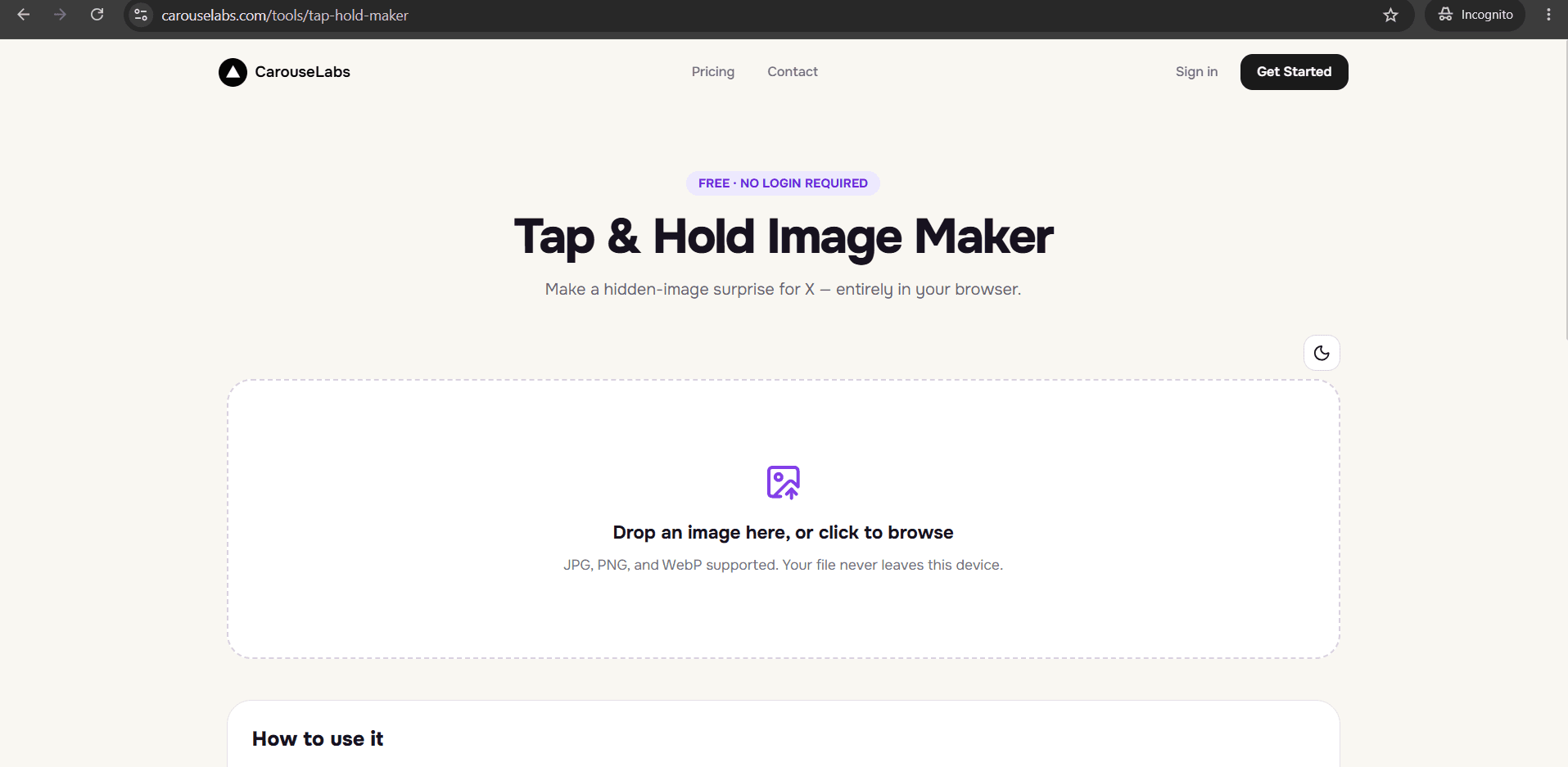
Open the Tap & Hold Image Maker
Go to /tools/tap-hold-maker. No account is needed, and it works the same regardless of what you call the platform you're posting to.
30 sec - 2
Upload your image
Drag your JPG, PNG, or WebP file in, or select it from your device. It's processed locally in your browser, not sent to a server during editing.
15 sec - 3
Brush in the visible area
Use the adjustable brush to paint what should stay visible in the timeline. Undo or Clear are available if you want to redo any part of the selection.
1-2 min - 4
Preview the timeline and the reveal
Timeline View shows the compressed, scrolled-past look; Tap & Hold View shows the full reveal on a black background — check both before deciding you're done.
30 sec - 5
Download the export built for this platform's compression
Click Download for X to get an indexed PNG-8 file tuned for the platform's timeline compression, whether you refer to it as Twitter or X.
10 sec - 6
Post from a desktop browser, not the mobile app
Upload the downloaded file from desktop web. The mobile app's own compression pass is the same regardless of which name you use for the app, and it can undo the effect if used to upload.
20 sec
Try it as you read
Open the maker in another tab and follow along with the steps above.
Tips for Better Results
The compression mechanic is the same regardless of the platform's name
Whether you call it Twitter or X, the timeline-versus-tap-and-hold rendering gap that creates this effect hasn't changed, and CarouseLabs' export is built around that same behavior.
The mobile app vs desktop distinction still applies
Post the downloaded file from a desktop browser rather than the mobile app, since the app's extra compression pass affects the image regardless of branding.
Use the export made for this specific compression pipeline
Download for X produces an indexed PNG-8 file, which is the format that holds up through the platform's timeline compression.
Preview before you post, not after
Timeline View and Tap & Hold View let you confirm the effect will work before you commit to posting, saving you from finding out it failed after the fact.
No login needed regardless of what account you're posting from
You can make the image with CarouseLabs without connecting or logging into any account — the tool and your eventual post are entirely separate steps.
Examples
Everyday post
A casual photo with a small hidden detail, made and posted the same way regardless of what the platform is called.
Returning user reconnecting with the platform
Someone who used to post under the Twitter name trying the tap and hold effect for the first time on the current version of the platform.
Cross-posted content
An image built once with CarouseLabs and shared to the platform regardless of which name the poster uses for it in conversation.
Common Mistakes
Assuming a name change means the technique changed
Fix: The tap and hold effect relies on the same timeline compression behavior it always has. Use the same Download for X export and desktop-posting approach regardless of what you call the platform.
Posting from the mobile app out of habit
Fix: Upload the exported file from a desktop browser instead. This matters just as much now as it did before the platform's rebrand.
Using a generic image export instead of the platform-specific one
Fix: Choose Download for X, the indexed PNG-8 format built specifically to survive this platform's timeline compression.
Not checking both preview panels before exporting
Fix: Review Timeline View and Tap & Hold View together — this confirms both the hidden and revealed states before you download anything.
Frequently Asked Questions
A good Twitter image maker doesn't need to care what you call the platform — it needs to correctly handle the timeline compression that makes the tap and hold effect work, and export a file built for it. That mechanic, and the desktop-posting requirement, are unchanged regardless of branding.
Make your next hidden image with the free CarouseLabs Tap & Hold Image Maker, export with Download for X, and post from desktop — the same steps that have always made this effect work.
Make your best twitter image maker right now
Everything above happens inside one free browser tool — no signup, no design software.
Create your Tap & Hold image nowFree forever · Works entirely in your browser