Meme Tap and Hold Images
The meme formats that work best with the tap and hold reveal, from setup-and-punchline to reaction bait.
Free · No login required
Skip ahead and start now, or read the full guide below.
Memes were one of the first places the tap and hold format took off on X, and for good reason — the structure of most memes already relies on a setup and a payoff, which maps almost perfectly onto a visible teaser and a hidden reveal. This page covers the specific meme formats that work best with the mechanic.
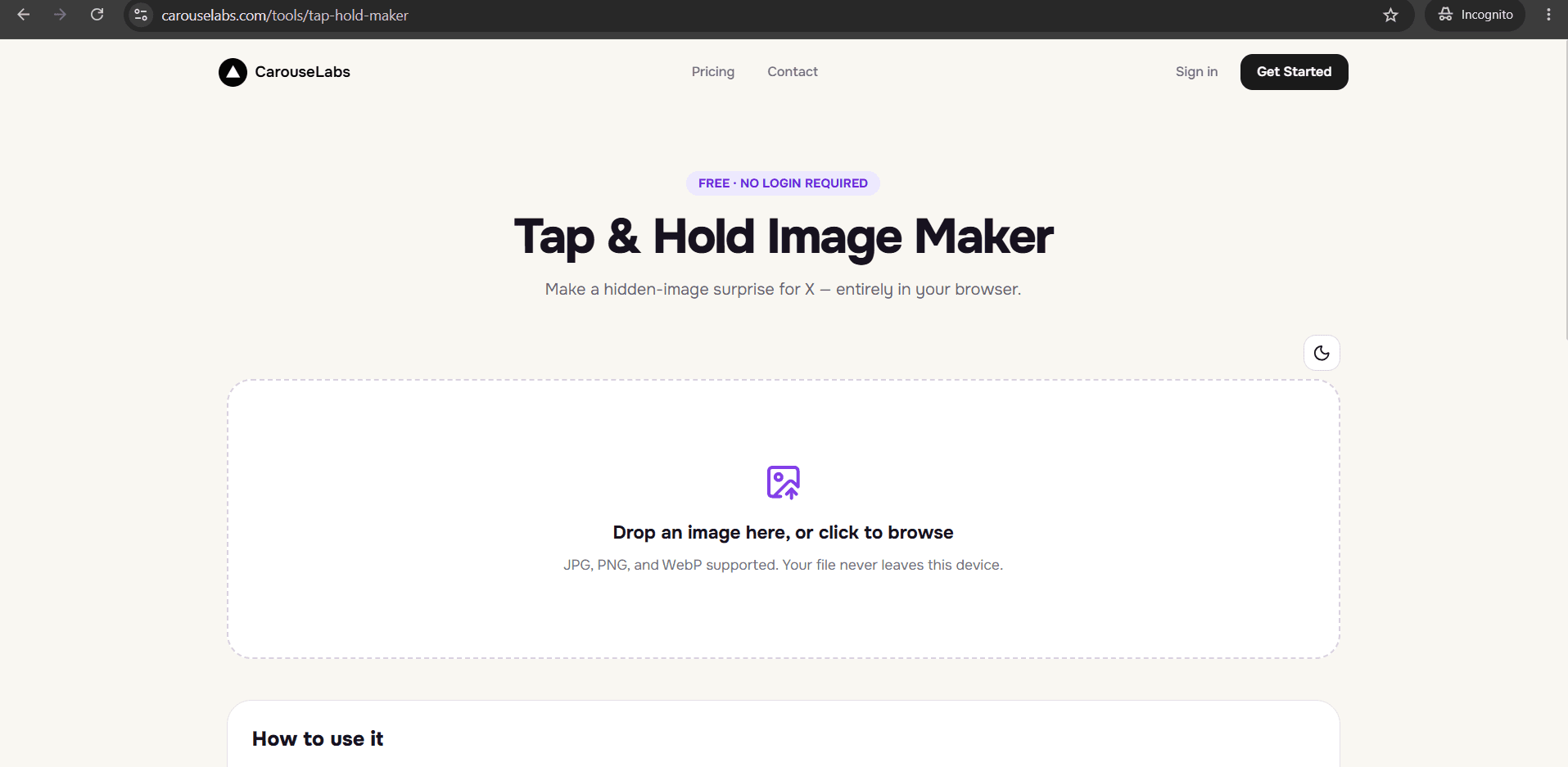
Every format here is buildable from images you likely already have saved, using the free CarouseLabs Tap & Hold Image Maker. No editing software or template account is required.
What “Meme Tap and Hold Images” Means
A meme tap and hold image uses the same brush-based hiding mechanic as any other reveal, but structures the visible and hidden portions like a joke: setup in the visible area, punchline hidden underneath. The comedic timing comes from the physical act of tapping and holding standing in for the pause before a punchline.
Because the reveal requires a deliberate action, meme tap and hold images tend to feel more participatory than a normal image macro — the viewer is, in a small way, performing the joke themselves by revealing it.
Why People Use This Effect
Meme accounts adopted the format quickly because it adds a genuinely new mechanic to a format that otherwise relies entirely on captions and templates. A well-built reveal gets replies and quote-posts specifically because people want to react to the moment of discovering the punchline, not just the image itself.
It also spreads because meme formats are inherently remixable — once a setup-and-punchline structure works, other accounts apply the same structure with their own punchline, which is part of why the trend keeps producing new waves of examples.
How to Create This with CarouseLabs
Here is how to build a meme-style tap and hold image using the free CarouseLabs Tap & Hold Image Maker.
- 1
Open the Tap & Hold Image Maker
Go to /tools/tap-hold-maker — free, no login required, runs directly in your browser.
30 sec - 2
Upload your setup and punchline image
Combine or upload the image containing both the setup element and the punchline element you want to hide. It is processed locally in your browser.
15 sec - 3
Paint the setup so it stays visible
Use the brush to mark only the setup portion of the image as visible, leaving the punchline area unpainted so it stays hidden until tap and hold.
1-2 min - 4
Preview the comedic timing in both views
Timeline View should read as the setup alone; Tap & Hold View should deliver the punchline clearly. Adjust the brush if the joke does not land in either view.
30 sec - 5
Download the meme for X
Choose Download for X for the PNG-8 export that holds up under X's timeline compression, keeping the punchline hidden until revealed.
10 sec - 6
Post from a desktop browser
Publish the file from desktop web rather than the mobile app, so followers scrolling on mobile can tap and hold to get the punchline.
20 sec
Try it as you read
Open the maker in another tab and follow along with the steps above.
Tips for Better Results
Keep the setup short and unambiguous
A meme setup works best when it is instantly readable — a caption, a reaction face, a familiar format — so the viewer immediately understands what they are about to tap into.
Make sure the punchline actually pays off
If the hidden portion is not funnier or more surprising than the setup implies, the joke falls flat. Save strong punchlines for this format.
Use recognizable meme formats as your base
Familiar templates or reaction images make the setup easier to parse instantly, leaving more of the payoff to the hidden reveal.
Preview the timing before posting
Tap and hold your own exported image to feel the actual pacing of the joke before it goes live.
Keep a small library of source images
Meme accounts that post frequently often keep a folder of reaction images and templates ready to drop into the CarouseLabs Tap & Hold Image Maker.
Examples
Expectation-vs-reality reveal
A polished 'expectation' image stays visible while a messier 'reality' image is hidden as the punchline.
Reaction face punchline
A neutral setup image stays visible while an exaggerated reaction image is hidden underneath.
Caption-only setup
Only a short caption stays visible in the timeline while the entire joke image is hidden until tap and hold.
Wait-for-it gag
A mundane visible teaser hides an absurd or unexpected image, playing on the pause before the reveal.
Common Mistakes
Hiding a punchline that is weaker than the setup implies
Fix: If the buildup promises more than the hidden reveal delivers, the joke reads as a letdown. Match the strength of the punchline to the setup.
Making the setup too visually busy
Fix: A cluttered setup reads poorly at small timeline size. Keep the visible portion simple enough to register instantly while scrolling.
Forgetting to check Tap & Hold View before posting
Fix: Always confirm the actual punchline reveal looks correct in the preview before exporting — a misaligned brush stroke can cut off part of the joke.
Uploading through the X mobile app
Fix: Post the exported file from a desktop browser. The mobile app's compression is the most common reason a meme reveal stops working after posting.
Frequently Asked Questions
Memes and the tap and hold format fit together naturally because both rely on a setup-and-payoff structure — the only difference is that the payoff now requires a physical action to unlock. Keep your setup simple, save your strongest material for the hidden punchline, and let the format do the comedic timing for you.
Build your next meme reveal in the free CarouseLabs Tap & Hold Image Maker and preview the joke before you post it.
Make your meme tap and hold images right now
Everything above happens inside one free browser tool — no signup, no design software.
Create your Tap & Hold image nowFree forever · Works entirely in your browser