What Is the Hidden Image Trend?
The hidden image trend is a recurring wave of posts on X where part of an image is only visible once you tap and hold it. Here's how the trend behaves and why it keeps coming back.
Free · No login required
Skip ahead and start now, or read the full guide below.
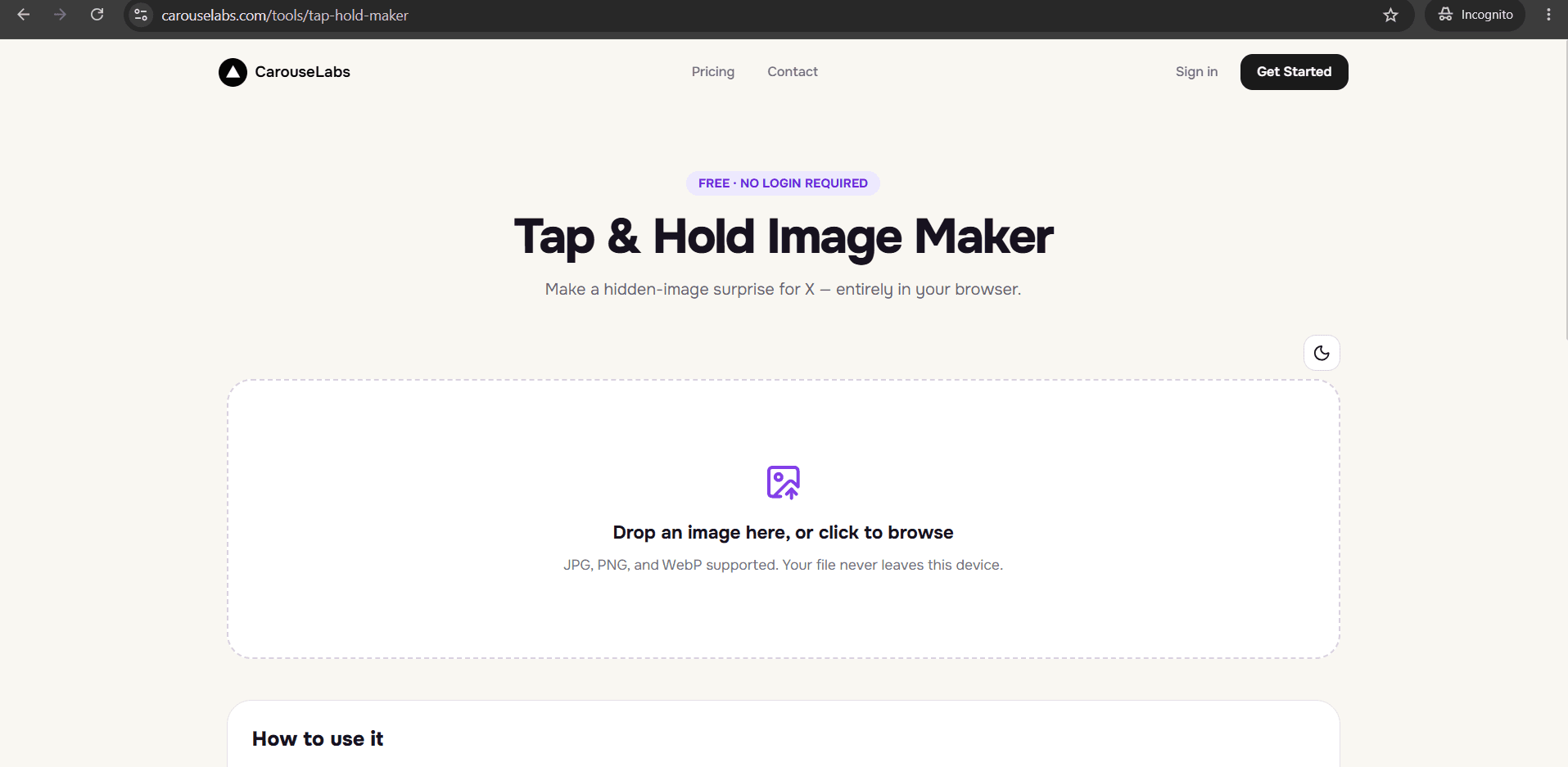
Trends on X rarely stay constant — they spike, fade, and resurface as new audiences rediscover them. The hidden image trend fits that pattern closely: it isn't one single viral post but a recurring format, where creators repeatedly build images that show less than the full picture until a viewer taps and holds. Every time a new wave of it circulates, a fresh audience learns the trick and starts making their own.
This page covers what defines the hidden image trend as a trend — not just as a single technique — including why it tends to move in cycles, and then shows how to make your own hidden image with the free CarouseLabs Tap & Hold Image Maker so you can take part in the current wave.
What “What Is Hidden Image Trend” Means
As a trend, 'hidden image' refers to the recurring pattern of creators using the tap-and-hold mechanic on X — not to any one specific image or account. The underlying technique has stayed the same since it first started circulating: an image is built so part of it is visible in the compressed timeline view, while the rest only appears when a viewer presses and holds, thanks to X's higher-quality render for that interaction. What makes it a trend rather than a one-off technique is that it keeps getting rediscovered, imitated, and adapted by new creators across memes, art accounts, brand posts, and personal accounts alike.
Because the technique itself is simple and repeatable, it's well suited to trend cycles — anyone who sees one hidden image and learns how it works can immediately go build their own, without needing to wait for a tool, app, or feature update. The CarouseLabs Tap & Hold Image Maker exists specifically to make that immediate participation easy: paint the areas that should stay visible, and the tool and X's own rendering behavior handle the rest.
Why People Use This Effect
The trend resurfaces because it's genuinely format-agnostic — it works for jokes, art reveals, brand teasers, and personal posts equally well, so it never gets locked into one niche the way some trends do. Each new context it gets applied to effectively restarts interest for a slightly different audience.
It also has almost no cost to try. Unlike trends that require a specific song, template, or app feature, the hidden image trend only requires an image and a willingness to paint over part of it — which means the barrier between seeing the trend and joining it is unusually low, and low-barrier trends tend to have longer, bumpier lifespans than ones requiring more effort.
How to Create This with CarouseLabs
Here's how to join the hidden image trend and build your own using the free CarouseLabs Tap & Hold Image Maker.
- 1
Open the CarouseLabs Tap & Hold Image Maker
Go to /tools/tap-hold-maker. It's free, requires no account, and works directly in your browser.
30 sec - 2
Upload an image that fits the trend's current tone
Add a JPG, PNG, or WebP by drag-and-drop or file picker. Look at how the trend is currently being used in your niche — meme, art, brand — and pick a source image that fits.
15 sec - 3
Brush the visible portion to match how the trend is being used
Paint over what should stay visible in the timeline, leaving the rest hidden until tap and hold. Undo and Clear make it easy to adjust as you refine what fits the trend.
1-2 min - 4
Preview both views before joining the wave
Timeline View and Tap & Hold View update live as you paint, so you can confirm your take on the trend actually delivers a working reveal.
30 sec - 5
Download your image
Use 'Download for X' for a PNG-8 optimized for X's compression, or export WebP if you're sharing outside of X as well.
10 sec - 6
Post it on X from a desktop browser
Share the downloaded file from desktop rather than the X app, since the app's compression can break the reveal. Once posted, mobile viewers can tap and hold to participate.
20 sec
Try it as you read
Open the maker in another tab and follow along with the steps above.
Tips for Better Results
Watch how the trend is currently being used before posting
The hidden image trend shifts between meme, art, and brand contexts over time — matching the current wave tends to land better than an out-of-step take.
Put your own spin on the reveal, not just the topic
The most memorable posts in any trend cycle tend to do something slightly different with the mechanic itself, not just apply it to a new image.
Use the live previews to sanity-check before joining a wave
A broken reveal during an active trend cycle can look worse than not participating at all — confirm Tap & Hold View works before posting.
Don't over-explain the trend in your caption
Part of the trend's appeal is people explaining it to each other in replies — leaving some of that space open keeps the post interactive rather than instructional.
Re-export after any adjustment
Downloads reflect the canvas at that exact moment, so re-download the CarouseLabs Tap & Hold Image Maker export after any brush changes.
Examples
Meme-format hidden image
A relatable setup stays visible while the punchline image is hidden behind the tap-and-hold reveal.
Art-reveal hidden image
A sketch or line art stays visible while the fully rendered piece is hidden until tap and hold.
Brand-teaser hidden image
A partial product shot stays visible while the full reveal is saved for the tap-and-hold interaction.
Personal-milestone hidden image
A simple visible caption or icon stays in the timeline while a personal photo is the hidden reveal.
Common Mistakes
Assuming the trend requires a specific app or feature
Fix: It only requires an image built with the tap-and-hold mechanic. The free CarouseLabs Tap & Hold Image Maker is all that's needed to build one from scratch.
Posting a stale take on the trend without adding anything new
Fix: Trend cycles reward variation. Try applying the reveal mechanic to a genuinely new idea rather than replicating an existing post's exact format.
Uploading through the X mobile app
Fix: This recompresses the file and can quietly break the reveal. Post the downloaded file from a desktop browser instead.
Ignoring how the trend is currently being received
Fix: Formats can feel fresh or overused depending on timing. Check recent posts using the same mechanic before deciding how to frame your own.
Frequently Asked Questions
The hidden image trend is less about any single viral post and more about a repeatable mechanic — part of an image visible in the timeline, the rest revealed on tap and hold — that keeps resurfacing because it's simple, low-cost, and adaptable to almost any content style.
Joining the current wave takes just a few minutes with the free CarouseLabs Tap & Hold Image Maker. Upload an image, paint what should stay visible, and post your own take.
Make your what is hidden image trend right now
Everything above happens inside one free browser tool — no signup, no design software.
Create your Tap & Hold image nowFree forever · Works entirely in your browser