Why Are Tap and Hold Images So Popular?
Tap and hold images ask for something ordinary posts don't — a physical interaction — and that small ask is a big part of why the format keeps spreading.
Free · No login required
Skip ahead and start now, or read the full guide below.
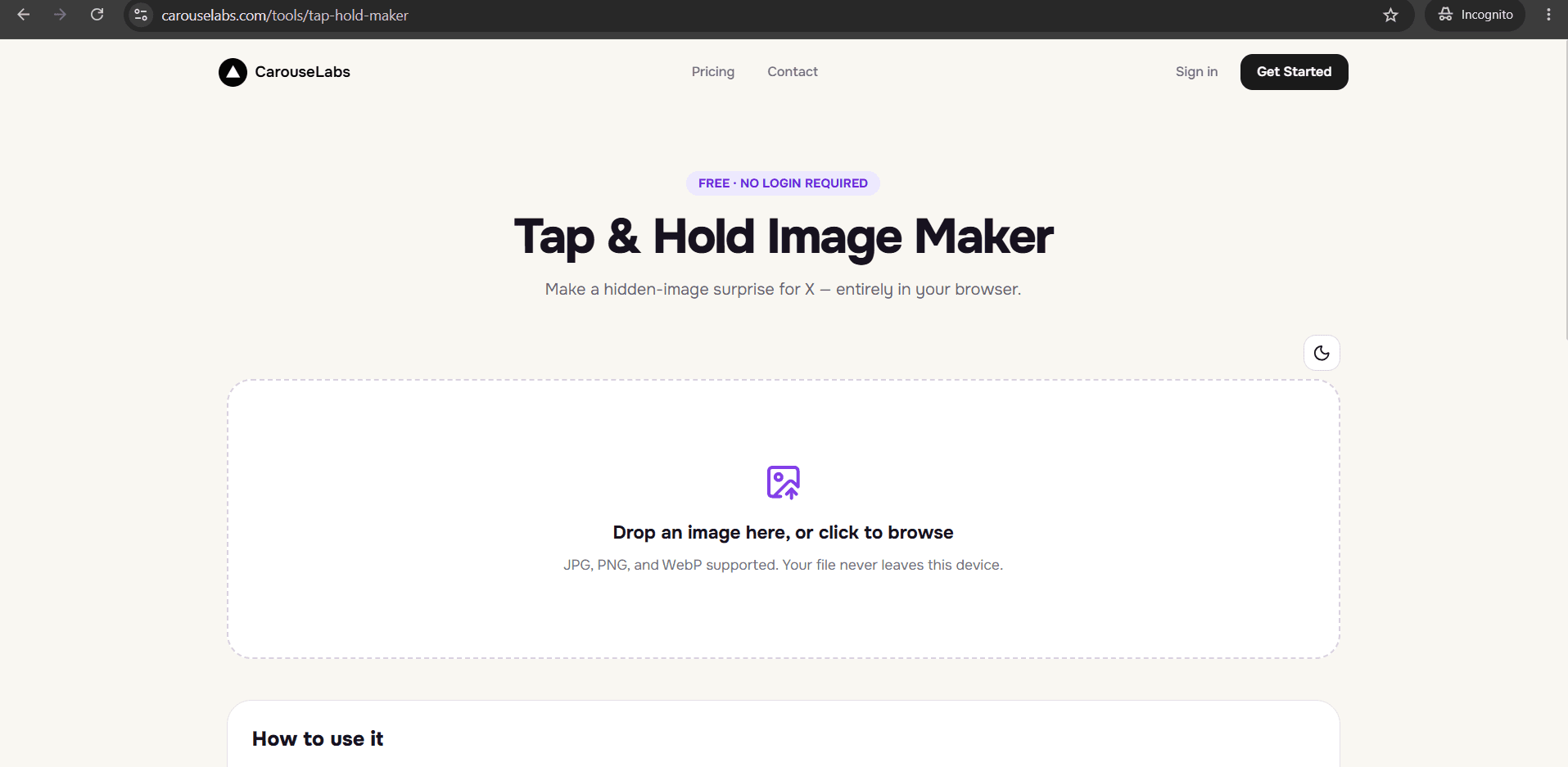
It's a fair question: why would a picture that requires an extra step to fully see outperform one that shows everything up front? On a feed built for speed, adding friction sounds like it should hurt engagement, not help it. But tap and hold images consistently pull replies, quote posts, and shares, and the reasons come down to how attention and curiosity actually work, not luck.
This page breaks down the specific psychological and social mechanics that make tap and hold images popular, then shows how to build one yourself using the free CarouseLabs Tap & Hold Image Maker.
What “Why Are Tap and Hold Images Popular” Means
Popularity here isn't about the image itself being unusually good — it's about the format changing how people engage with it. A normal image is judged and dismissed in under a second. A tap and hold image can't be judged that quickly, because part of it is deliberately withheld until a viewer presses and holds. That interruption in the normal scroll-judge-continue pattern is what makes people pause, which is the first and hardest step in getting any engagement at all.
The mechanic itself is simple, which matters. Tap and hold images are built by painting the areas that should stay visible in X's compressed timeline view with a brush tool — like the one in the CarouseLabs Tap & Hold Image Maker — leaving the rest to appear only when a viewer presses and holds. Because the underlying trick is easy to explain in one sentence, it's easy for a reply to teach it to someone new, which keeps the format spreading beyond the people who already knew about it.
Why People Use This Effect
The core driver is what's sometimes called a curiosity gap: showing just enough to signal that more exists, without showing what that 'more' actually is. Humans are wired to want to close that gap once it's opened, which is why 'tap and hold' comments on these posts get so much engagement themselves — people are actively working to resolve the gap in public, which draws even more attention to the post.
There's also a social layer on top of the psychological one. Being the person who explains the trick, or the person who tags a friend to go try it, carries a small social reward — it signals you're in on something. That's why tap and hold posts often spread in bursts through reply threads rather than through the original poster's reach alone, and why the format tends to resurface in waves as new audiences discover it for the first time.
How to Create This with CarouseLabs
If the psychology makes sense, here's exactly how to build your own tap and hold image using the free CarouseLabs Tap & Hold Image Maker.
- 1
Open the CarouseLabs Tap & Hold Image Maker
Head to /tools/tap-hold-maker. It's free, browser-based, and doesn't require an account to start.
30 sec - 2
Upload an image with a genuine reason to hide part of it
Add a JPG, PNG, or WebP by drag-and-drop or file picker. The most engaging results usually come from images where the hidden portion adds real context, a twist, or a payoff — not just for the sake of hiding something.
15 sec - 3
Paint just enough to create curiosity, not confusion
Use the brush to keep visible only what's needed to make someone want to tap. Leave the rest unpainted so it stays hidden until a viewer presses and holds. Undo lets you fix any stroke that reveals too much.
1-2 min - 4
Preview how the curiosity gap will actually look
Timeline View shows what followers see while scrolling — the version that has to earn the tap. Tap & Hold View shows the payoff. Both should feel proportionate to each other.
30 sec - 5
Download the finished image
Export a PNG-8 with 'Download for X', optimized for how X compresses timeline images, or choose WebP for sharing elsewhere.
10 sec - 6
Post on X from a desktop browser
Upload the file through X on desktop instead of the mobile app, since the app's compression can undercut the effect. Once it's live, followers on mobile can tap and hold to reveal it.
20 sec
Try it as you read
Open the maker in another tab and follow along with the steps above.
Tips for Better Results
Give the hidden portion an actual payoff
A reveal that adds nothing new leaves people feeling tricked rather than rewarded, which hurts future engagement even if the first post did well.
Leave visible just enough to be intriguing, not confusing
If the timeline view is completely unreadable, people may assume it's a broken image and scroll past instead of tapping.
Pair the image with a caption that invites participation
Something as simple as prompting people to try it themselves gives repliers an easy, low-effort way to engage.
Use the Tap & Hold View to judge the payoff honestly
Look at it the way a first-time viewer would — does the reveal feel worth the extra step, or underwhelming?
Vary what you hide across posts
Repeating the exact same reveal style too often can make the format feel predictable rather than exciting.
Examples
Setup-and-punchline reveal
The visible portion sets up a joke or question; the hidden portion delivers the punchline or answer.
Before-and-after reveal
A partial or early state stays visible while a dramatically different later state is hidden.
Hidden detail reveal
A seemingly ordinary photo hides a small, surprising detail that only appears on tap and hold.
Community challenge reveal
A post invites people to guess what's hidden before tapping, encouraging replies before the reveal happens.
Common Mistakes
Hiding something trivial
Fix: If the reveal doesn't add anything meaningful, the curiosity gap closes with disappointment instead of satisfaction. Make sure what's hidden is genuinely worth the tap.
Making the timeline view too vague to notice
Fix: An almost-blank timeline view can be mistaken for a loading error. Leave a clear, intentional visible element with the brush tool in the CarouseLabs Tap & Hold Image Maker.
Posting from the X mobile app
Fix: Mobile uploads get recompressed in a way that can flatten the hidden effect before anyone even gets the chance to tap. Post the downloaded file from desktop instead.
Expecting virality from the format alone
Fix: The mechanic creates an opportunity for engagement, but the image and context still need to earn it. Treat the format as a delivery method, not a guarantee.
Frequently Asked Questions
Tap and hold images are popular because they interrupt passive scrolling with a small, low-effort action, and because the curiosity created by a partial view is something people are naturally driven to resolve — publicly, which spreads the post further.
Understanding why the format works is the first step; building one that actually earns the engagement is the next. Try the free CarouseLabs Tap & Hold Image Maker to create your own.
Make your why are tap and hold images popular right now
Everything above happens inside one free browser tool — no signup, no design software.
Create your Tap & Hold image nowFree forever · Works entirely in your browser